In short
Online shoppers can’t touch, try on or turn your product around, so your product photos do that job for them. Clear, consistent photos that show the product in use help shoppers understand what they’re buying and trust your store enough to order. Weak or inconsistent photos leave questions unanswered, and unanswered questions are a common reason people leave without buying.
- Every product page needs a clean main photo, close-up details and at least one photo of the product in use.
- A consistent style across your catalog makes your store look more trustworthy than any single great photo.
- Good image SEO is simple: descriptive file names and alt text, the right size, and fast-loading files.
- You don’t need a photoshoot to improve. A plain, well-lit photo of the real product is a strong starting point.
Why do product photos matter so much online?
In a physical shop, people pick a product up, feel the material and check the size. Online, photos are the closest thing to that experience. They answer the questions a shopper would otherwise ask a salesperson: how big is it, what does it look like when worn or used, what are the details like up close?
Photos also shape how professional your whole store feels. A shopper who lands on a product page from an ad or a search result has often never heard of you. Sharp, well-lit and consistent images signal that there’s a real, careful business behind the store, which matters most for small and new brands.
Which photos should every product page have?
Most strong product pages mix a few photo types, each answering a different question:
- A clean main photo. The product on a plain white or light background, fully visible and centered. This is the photo in your collection grids and search results, so it should make the product easy to recognize at a glance.
- Detail close-ups. Texture, stitching, buttons, engraving, labels: whatever justifies the price.
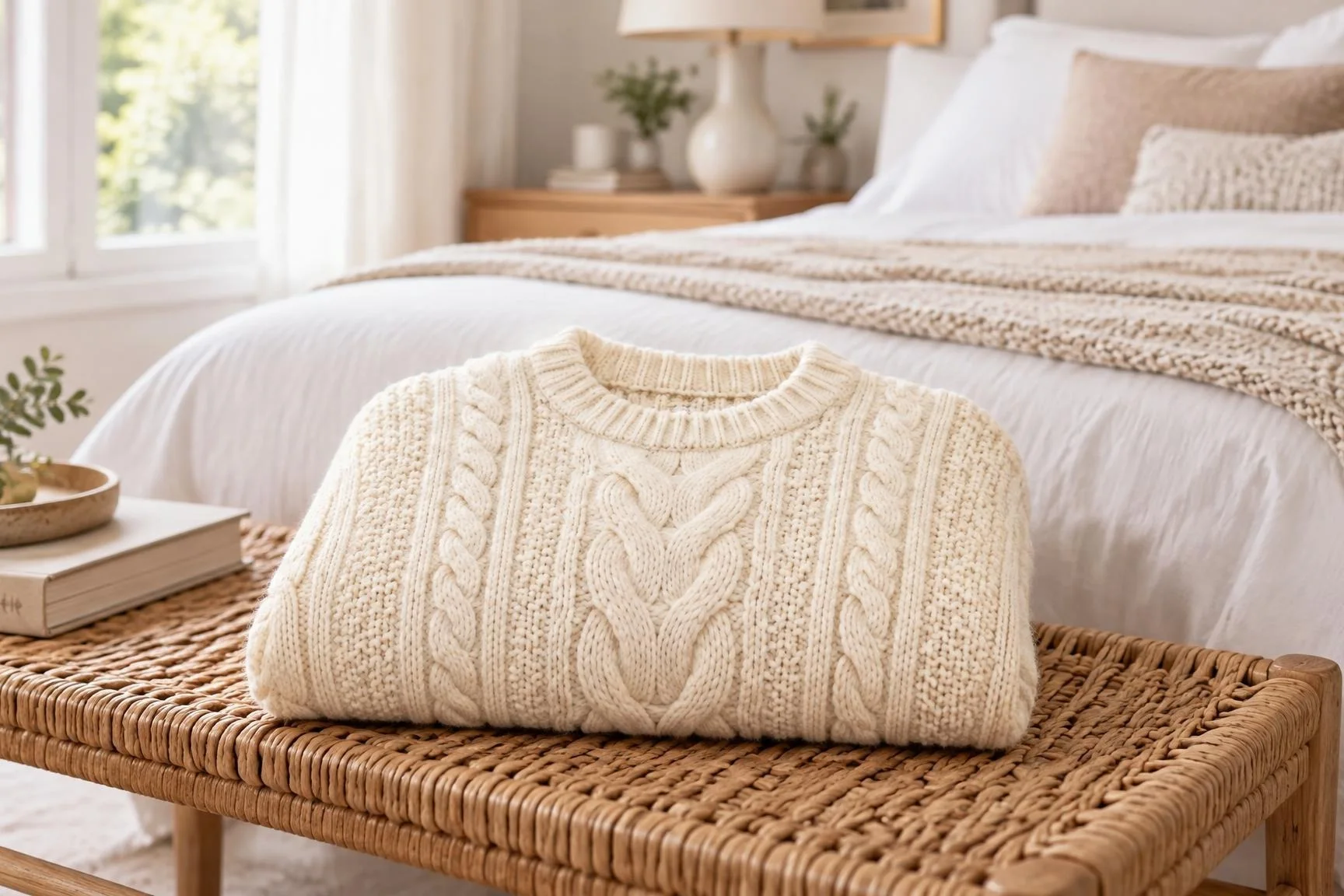
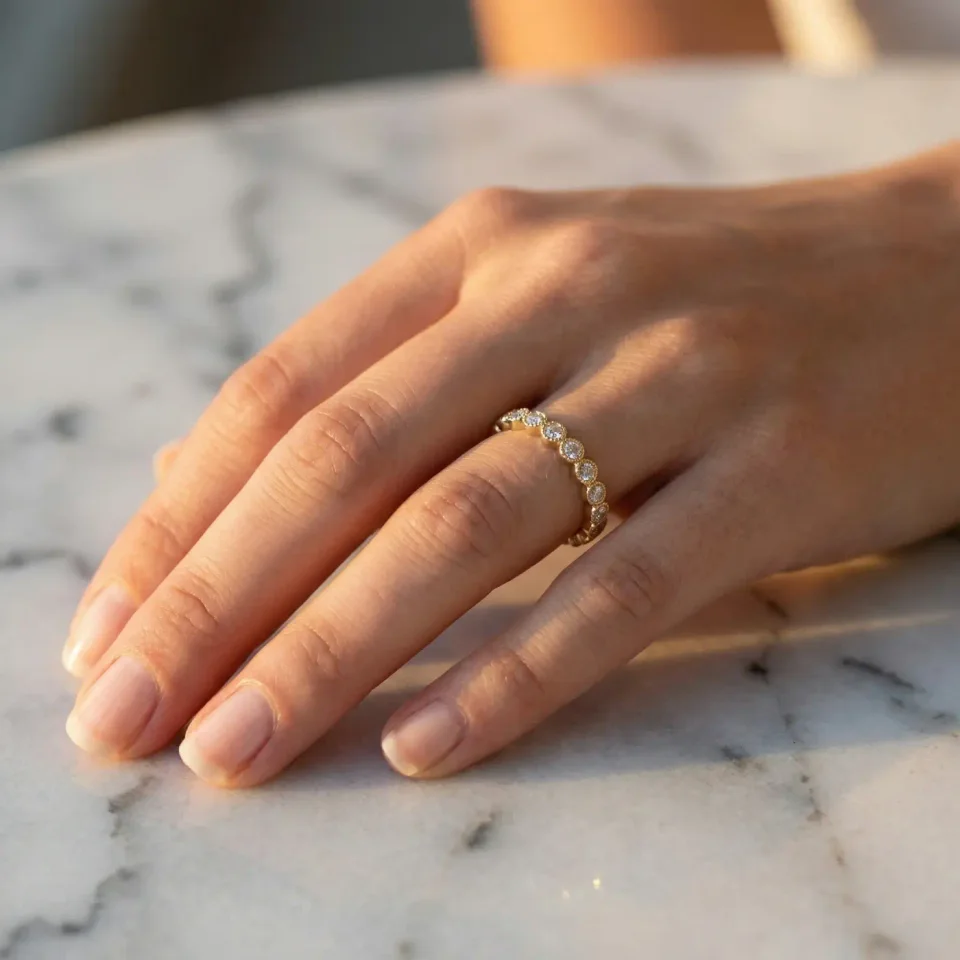
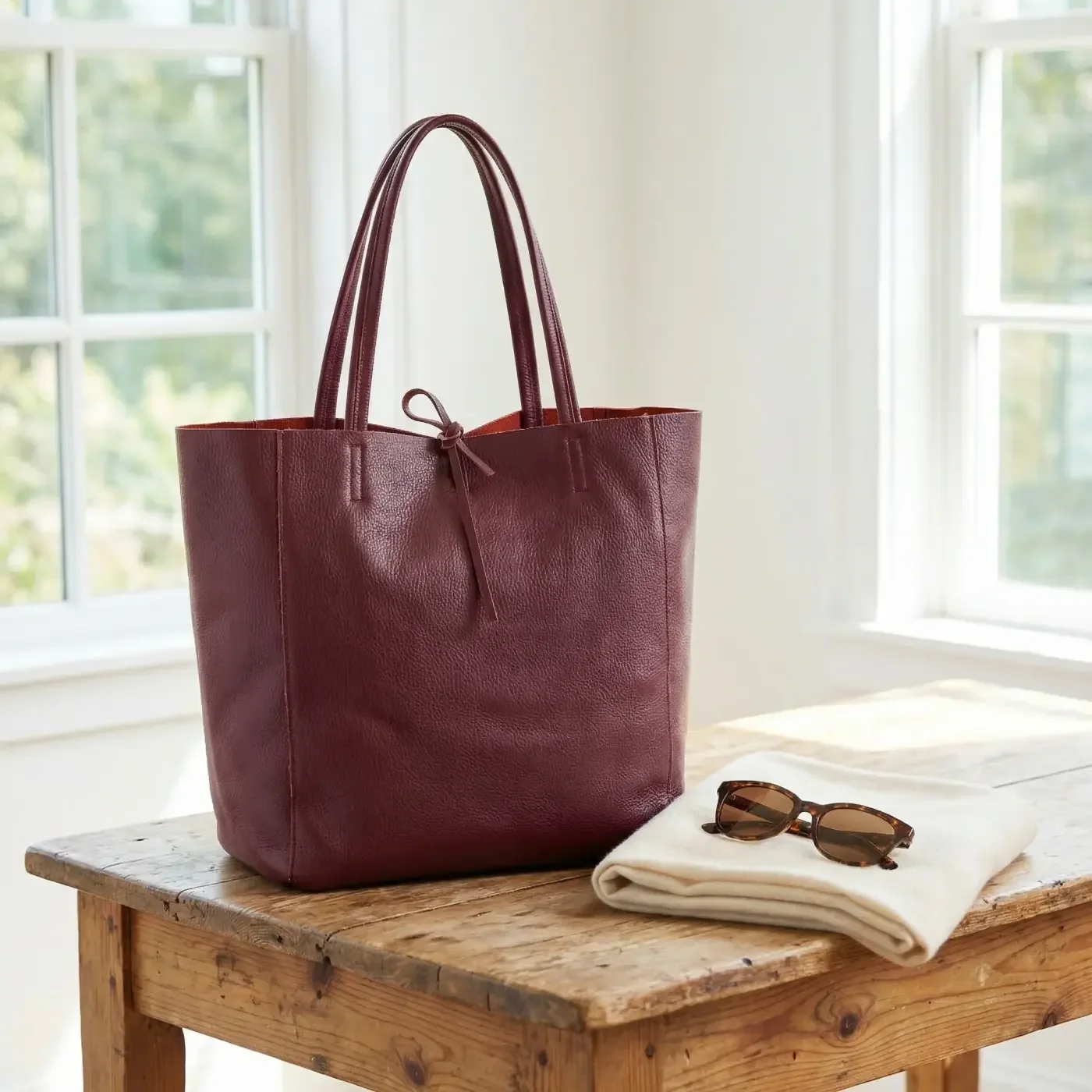
- The product in use. On a model for clothing, jewelry and bags; in a room for home decor; on a table for kitchenware. This is where shoppers picture themselves owning it.
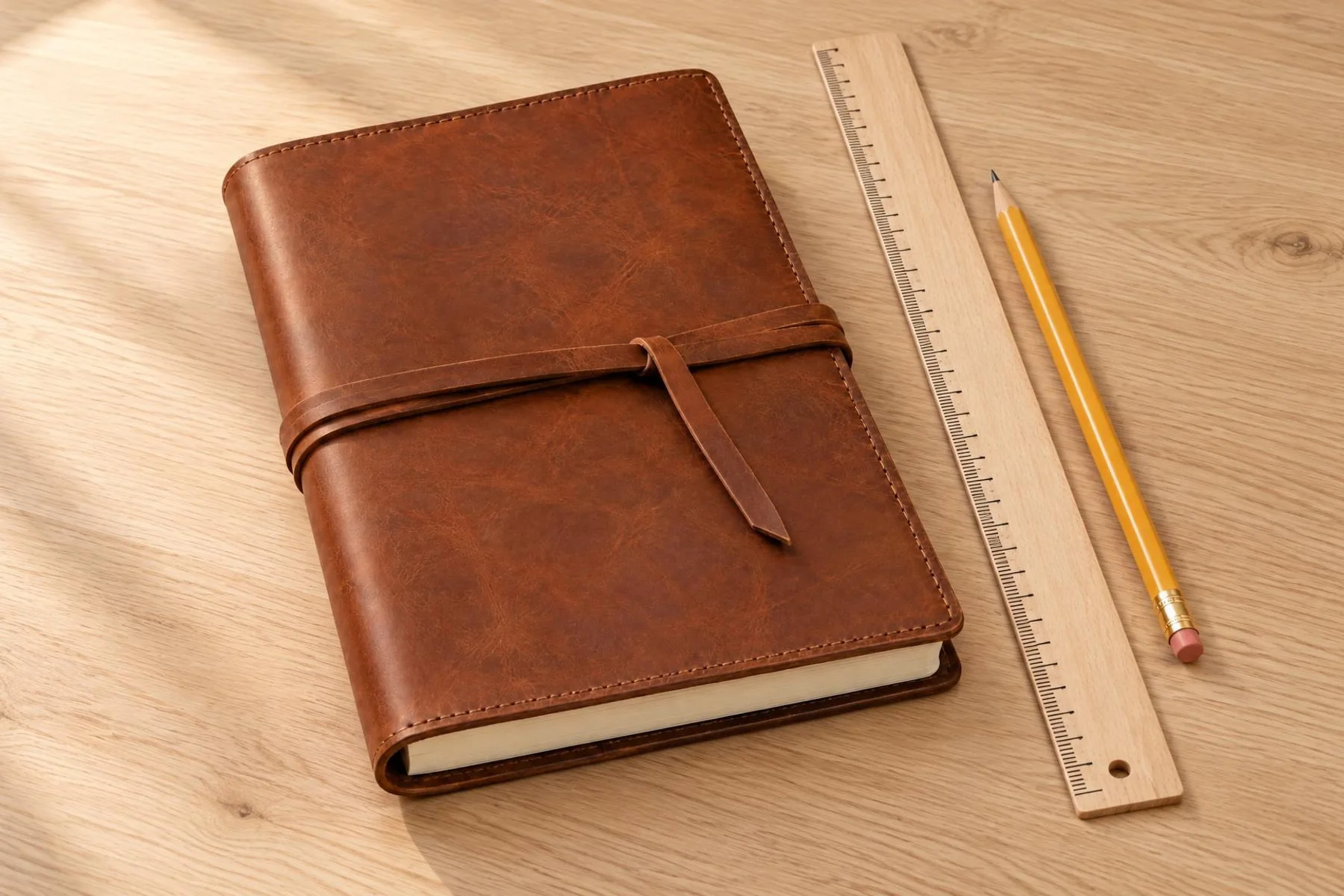
- A sense of scale. Next to everyday objects, in a hand, or on a person, so nobody is surprised when the parcel arrives.
Here is what that set can look like when it all starts from one plain product photo. The first image is the input; the other three were generated from it with different presets:
Input photo
Generated with FulfilyOn a model
Generated with FulfilyPlaced in a room
Generated with FulfilyClean white
How do you keep your catalog looking consistent?
Consistency is what makes a store look like a brand rather than a collection of supplier photos. Shoppers notice when one product has a studio shot, the next a blurry phone photo and the third a busy marketplace image.
A few rules go a long way:
- Pick one background style per collection, for example white for your main photos and one lifestyle setting for the rest.
- Keep the angle and framing similar so products line up in your collection grid.
- Use the same light: all warm, or all neutral daylight.
- Use one image format. For square product images, Shopify says 2048 × 2048 px usually displays best (opens in new tab).
In Fulfily, this is what presets are for: you choose a background, a photo model and a pose once, and use them for every product in a collection.
Do product photos affect SEO?
Yes, in two ways. Your images can appear in Google Images and other search features, and they affect how fast your pages load, which matters for both rankings and shoppers’ patience. Google’s image SEO guidelines (opens in new tab) boil down to a few habits:
- Descriptive file names, such as
brown-leather-shoulder-bag.jpgrather thanIMG_4032.jpg. - Alt text that describes the image in a short sentence, including the product name where it fits naturally, not a list of keywords.
- Reasonably sized files. Shopify resizes images for each screen, but uploading huge, uncompressed files still slows things down.
- Real images near relevant text, so search engines understand what the photo shows.
Fulfily writes descriptive alt text and a readable file name for every image it generates, based on the product. You review everything before it’s published.
How can you get better photos without a photoshoot?
A professional shoot is great if you have the budget, but most small stores can’t reshoot every product. Three practical options:
- Improve your own photos. Shoot near a window in daylight, turn off overhead lights, use a white sheet or board as a background and keep the phone steady. Take the same angles for every product.
- Ask suppliers for better files. Many have higher-resolution originals than the ones in their listings.
- Generate new images from your real product photos. AI tools like Fulfily start from your existing photos, title and description, and create lifestyle, on-model and studio images from them.
If you use AI, treat it like any other photographer’s work: check every image before publishing. Fine details are the hardest part, especially small text, logos and intricate jewelry, so zoom in and regenerate anything that isn’t right.
Input photo
Generated with FulfilyOn a model
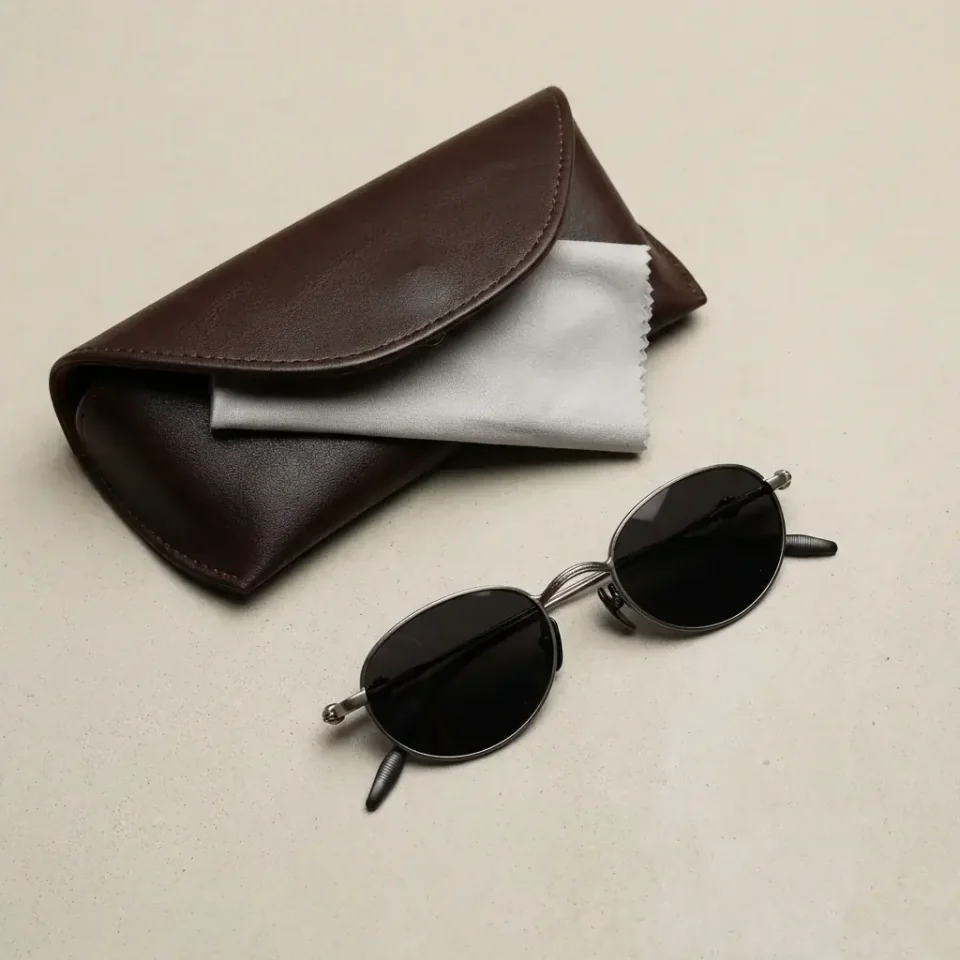
Generated with FulfilyPlaced on a surface
A quick checklist before you publish
- The main photo shows the whole product on a clean background.
- There’s at least one close-up and one photo of the product in use.
- Photos in the same collection share a background style, angle and light.
- Every image has a descriptive file name and alt text.
- Fine details (text, logos, stones, patterns) match the real product.
Want to see more examples by product type? Browse the generated image gallery for jewelry, fashion, home, beauty and more.