AI model photos for your clothing store
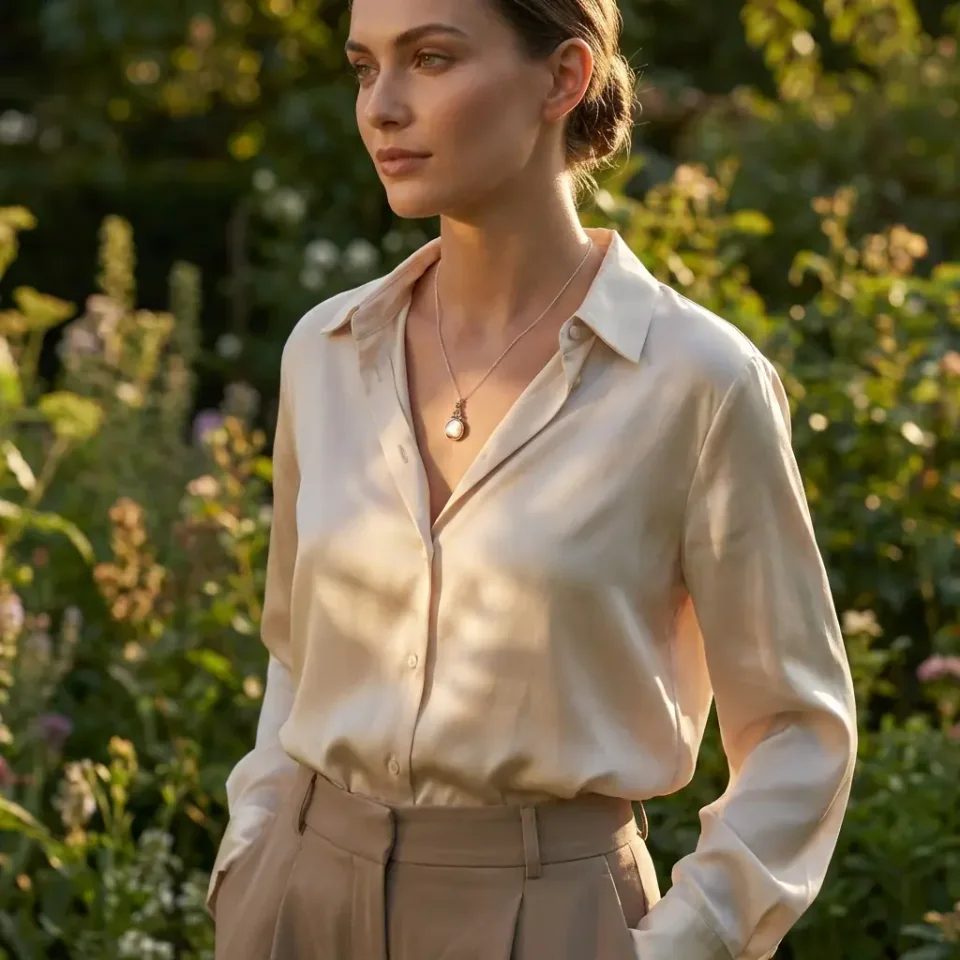
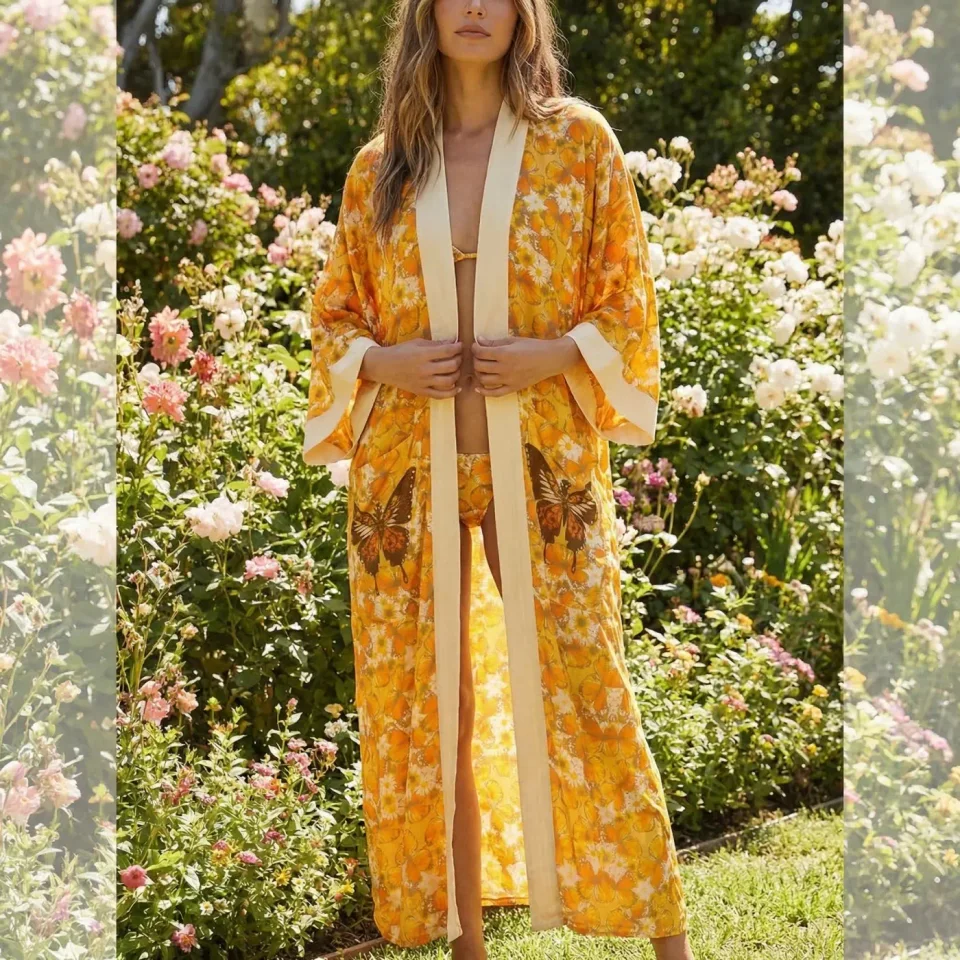
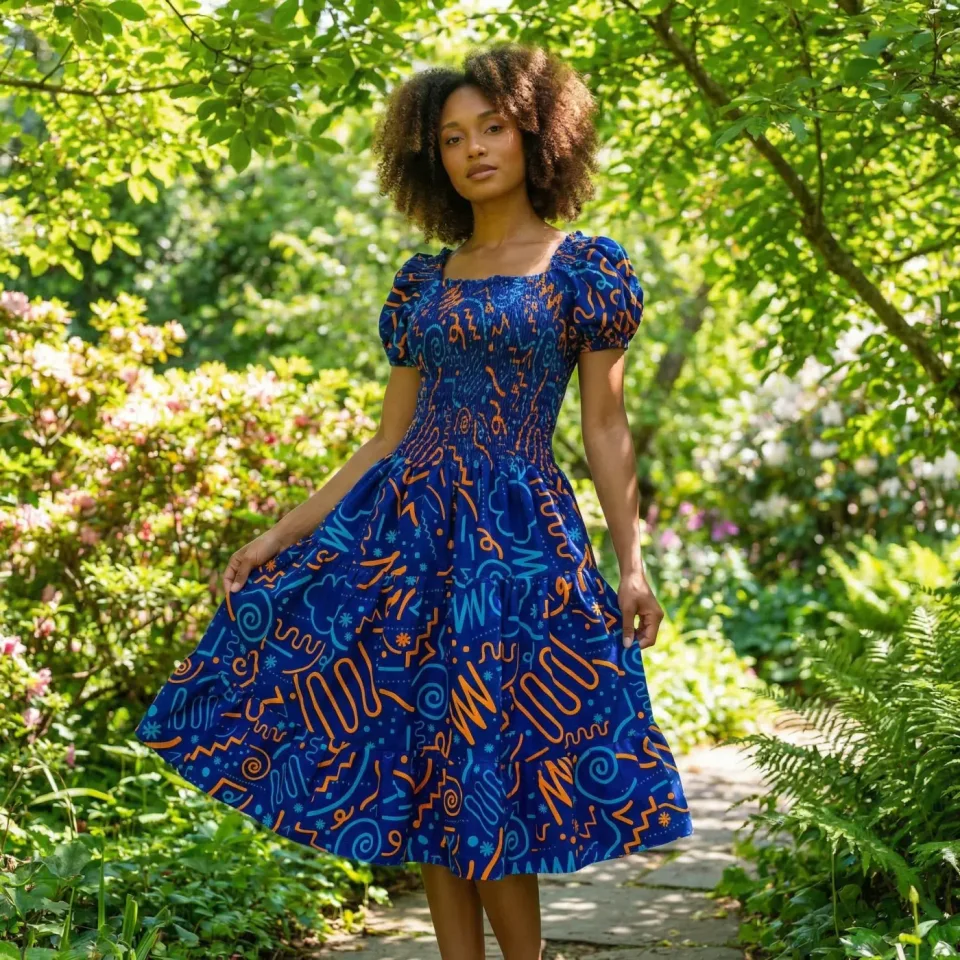
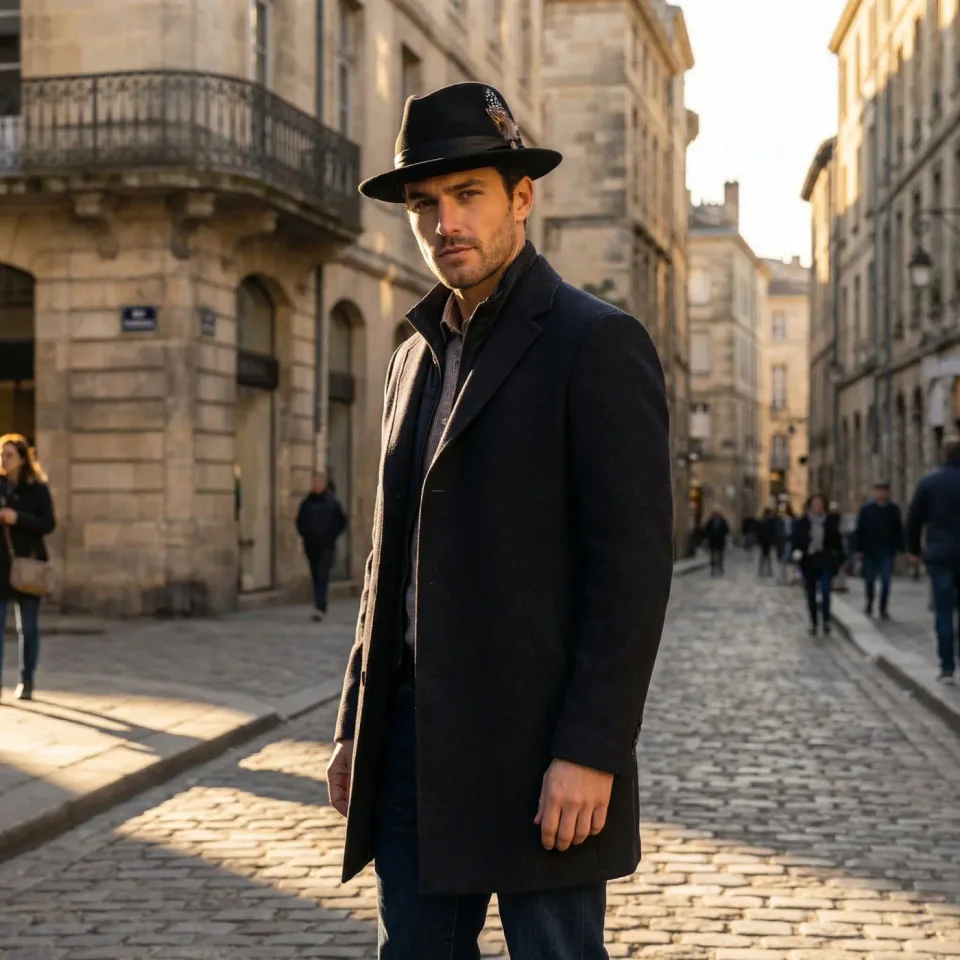
Show every piece on a model without booking a photoshoot. Start from the product photos you already have. Get front, back, detail and lifestyle images, with the clothes worn naturally and the same model and setting for your whole collection.
Install on Shopify
Free plan · 7-day free trial on Starter
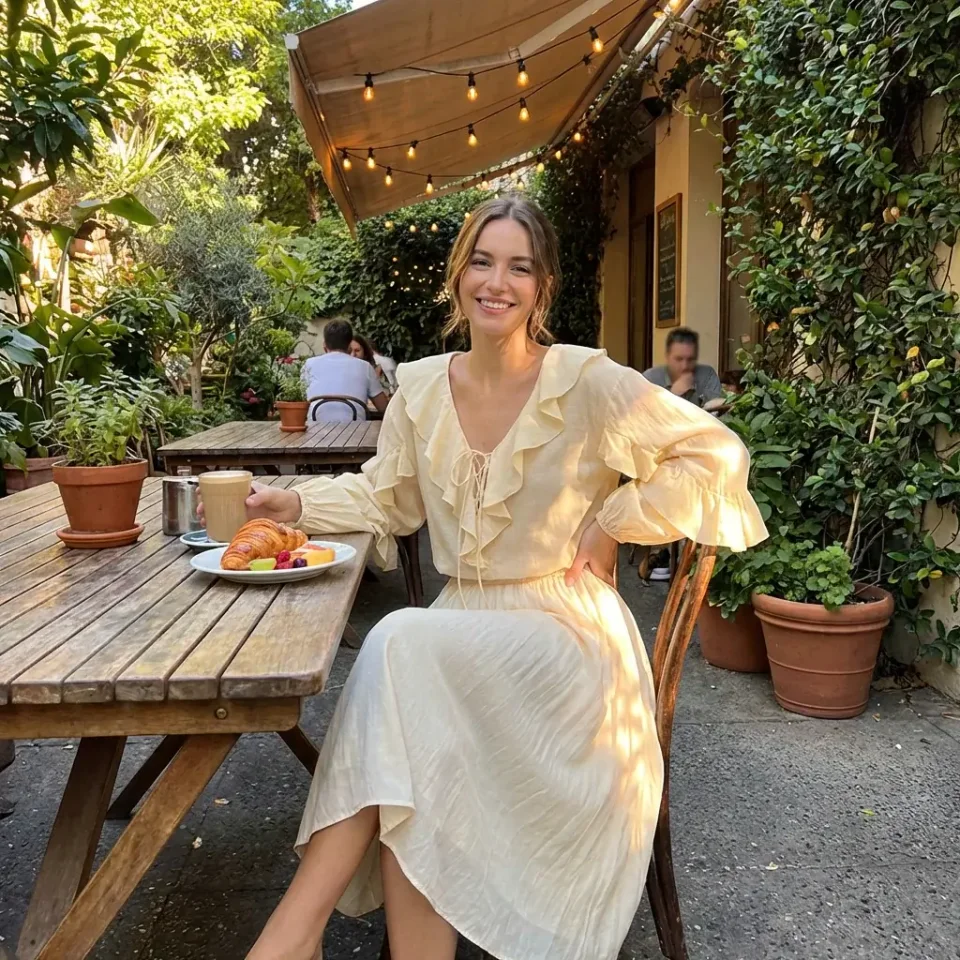
What makes clothing hard to photograph, and how Fulfily handles it
Clothes that look really worn
On-model images show the clothes on a body, with natural folds. They don't look flat or like they are on a mannequin.
One look for the whole collection
Choose a photo model, background and pose once. Then use them for every product, so the whole collection looks like one photoshoot.
Front, back and details
Different presets show the front, the back and close-ups of the collar and sleeves. Shoppers see more than one side of the product.
Presets made for clothing
Start from a ready-made preset, or choose a photo model, background and pose yourself and describe the scene in your own words. The images below are the app's own preview images for each preset.
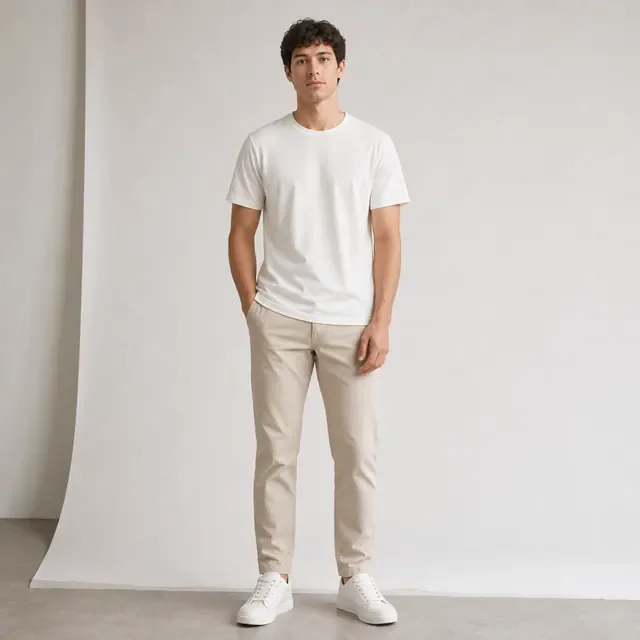
Clean Apparel Front
A model seen from the front in a white studio. A good first image for a product page.

Seated at Home
A model sitting in a chair at home, for loungewear, knitwear and comfortable clothes.
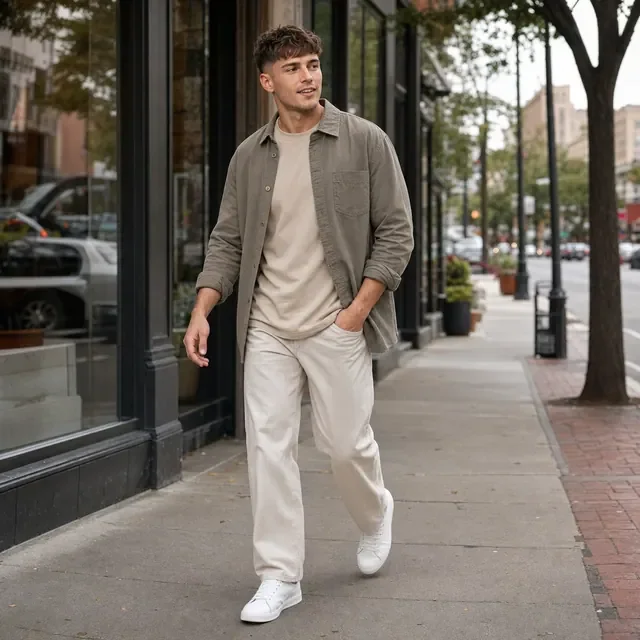
City Streetwear
A model walking down a city street, for casual clothes and streetwear.
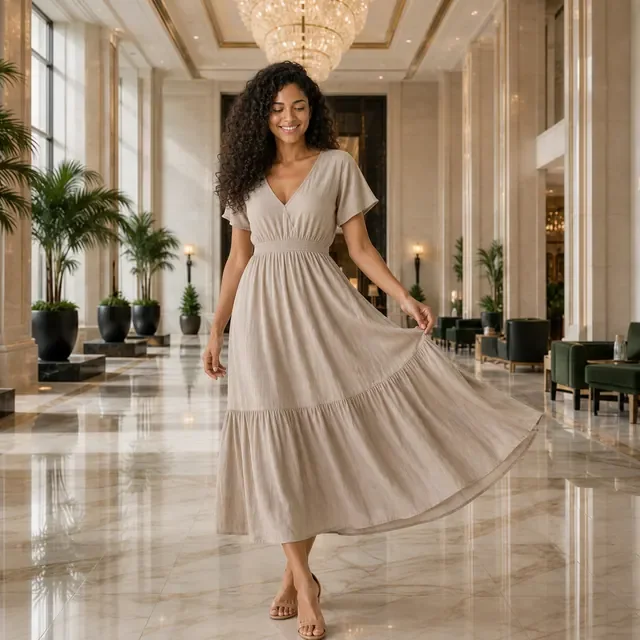
Hotel Dress Motion
A dress in movement in a hotel lobby, to show how the fabric moves.
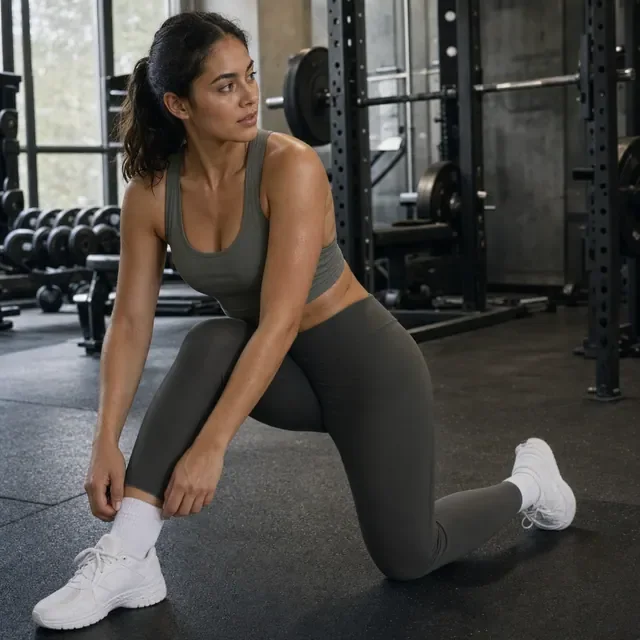
Activewear Training
A stretching pose in a gym, for sportswear and leggings.

Collar Detail
A close-up of the collar and neckline, to show the fabric and stitching.
Tips for your product photo
Show the whole item
Use a product photo of the whole item: laid flat, on a hanger or on a mannequin, with nothing else in the photo.
True colors
Make sure the color in the photo matches the real fabric. The new images follow the colors in your photo.
Describe the fit
Write the material, fit and length in the product description, for example "relaxed fit, midi length, linen".
Show the pattern
If the print or pattern is detailed, add a close-up photo of it as a second product photo.
Clothing images made with Fulfily
Clothing photos: frequently asked questions
Can I choose the photo model?
Yes. Pick a photo model, or a preset that already has one, and use the same model for every product so your collection looks the same.
Can I get front and back views?
Yes. Clean Apparel Front and Apparel Back View show the clothes from the front and from behind, in a clean white studio.
Will prints and colors stay accurate?
Mostly, yes. Fulfily works from your product photos and product descriptions and is told not to add text or logos. Detailed prints and small text are the hardest parts, so check each image before you publish.
Do I need a photo of the clothing on a person?
No. A product photo laid flat, on a hanger or on a mannequin is enough, as long as the whole item is visible and the color is correct.
Other product types
Try Fulfily on your own products
Start on the free plan. Pick products from your Shopify catalog and get new images in minutes.