AI jewelry photos for your Shopify store
Turn plain product photos of rings, necklaces, earrings and bracelets into on-model, lifestyle and studio images. Fulfily makes every image from your own product photos. It keeps each piece at a realistic size, so a small pendant stays small and delicate.
Install on Shopify
Free plan · 7-day free trial on Starter
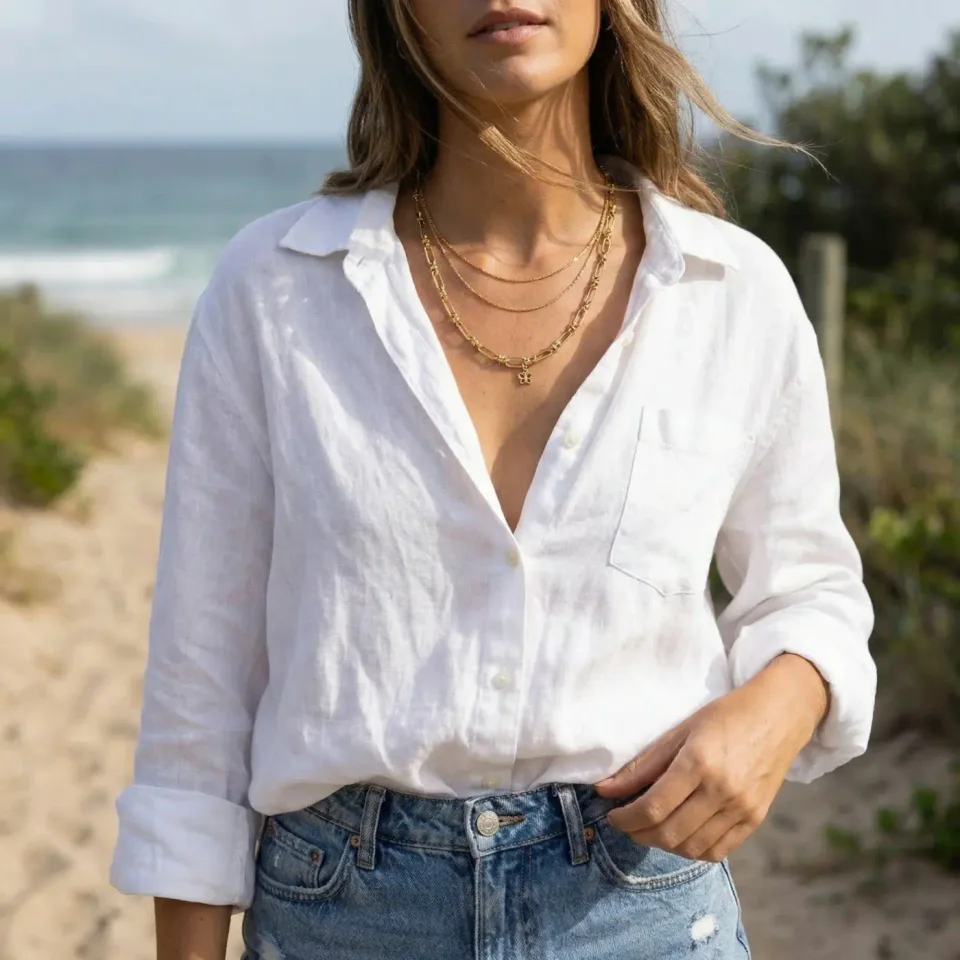
From a plain product photo to finished images
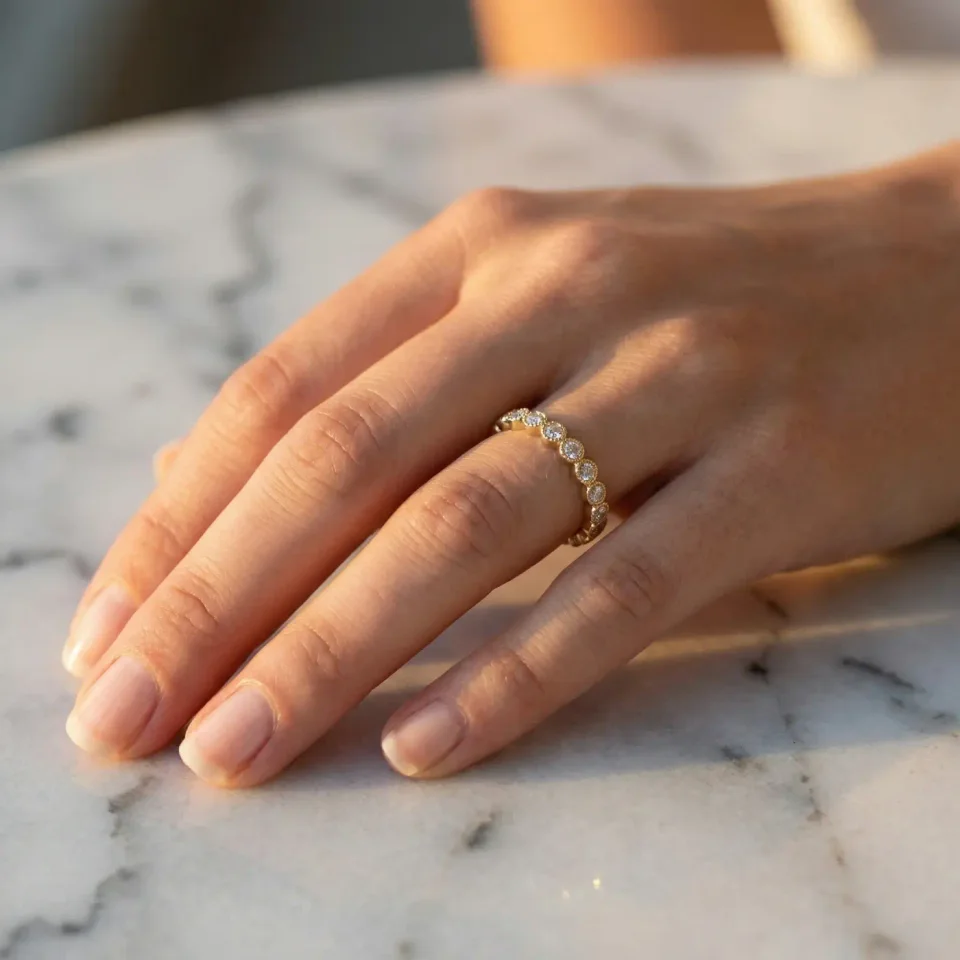
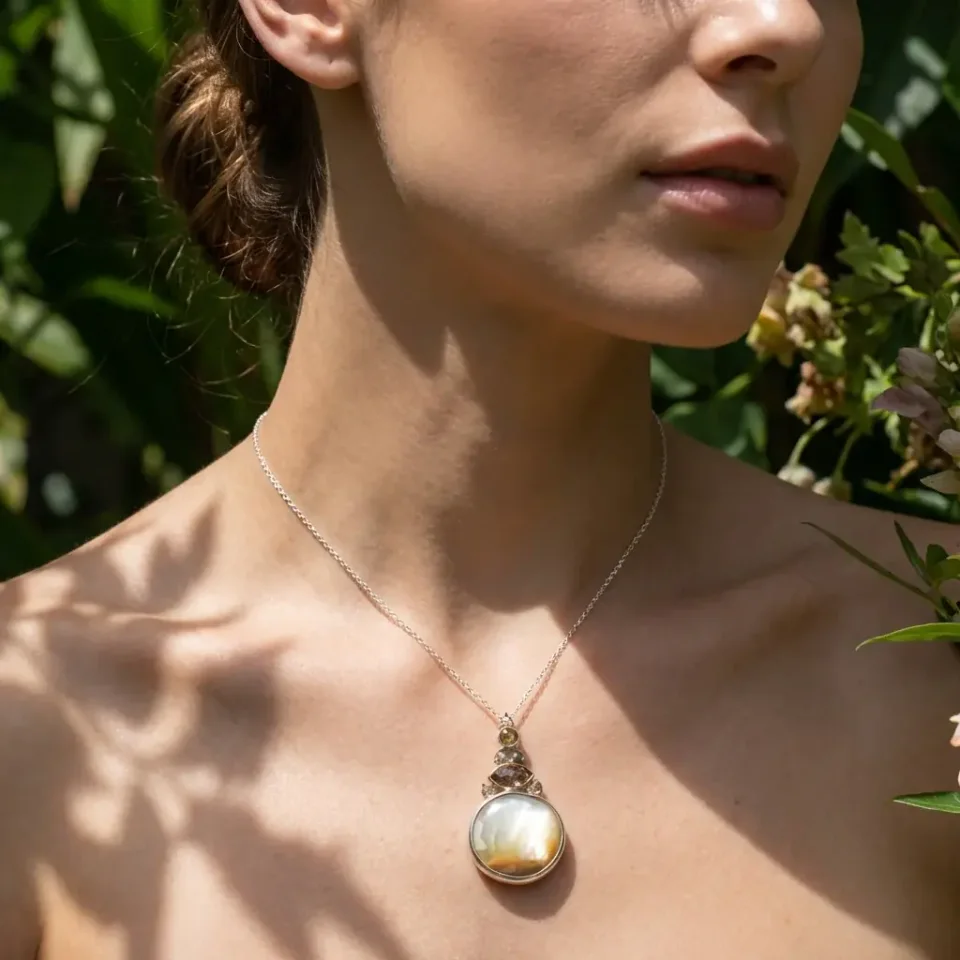
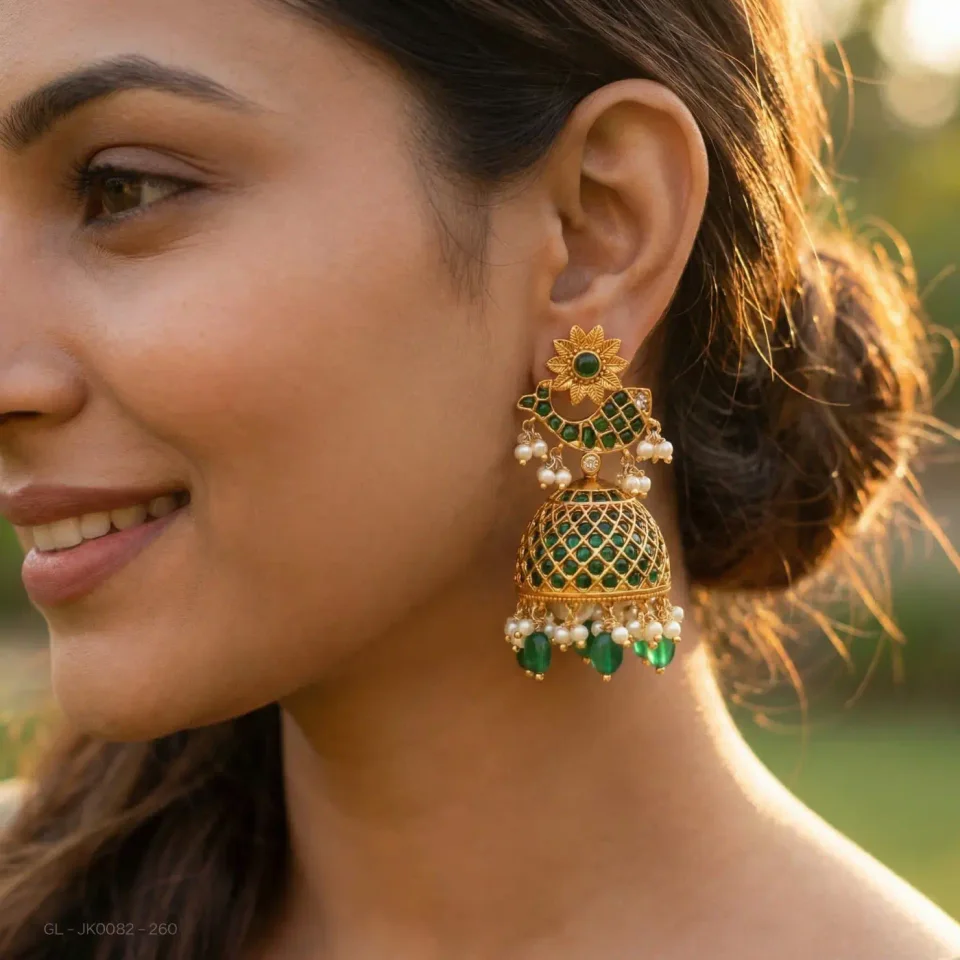
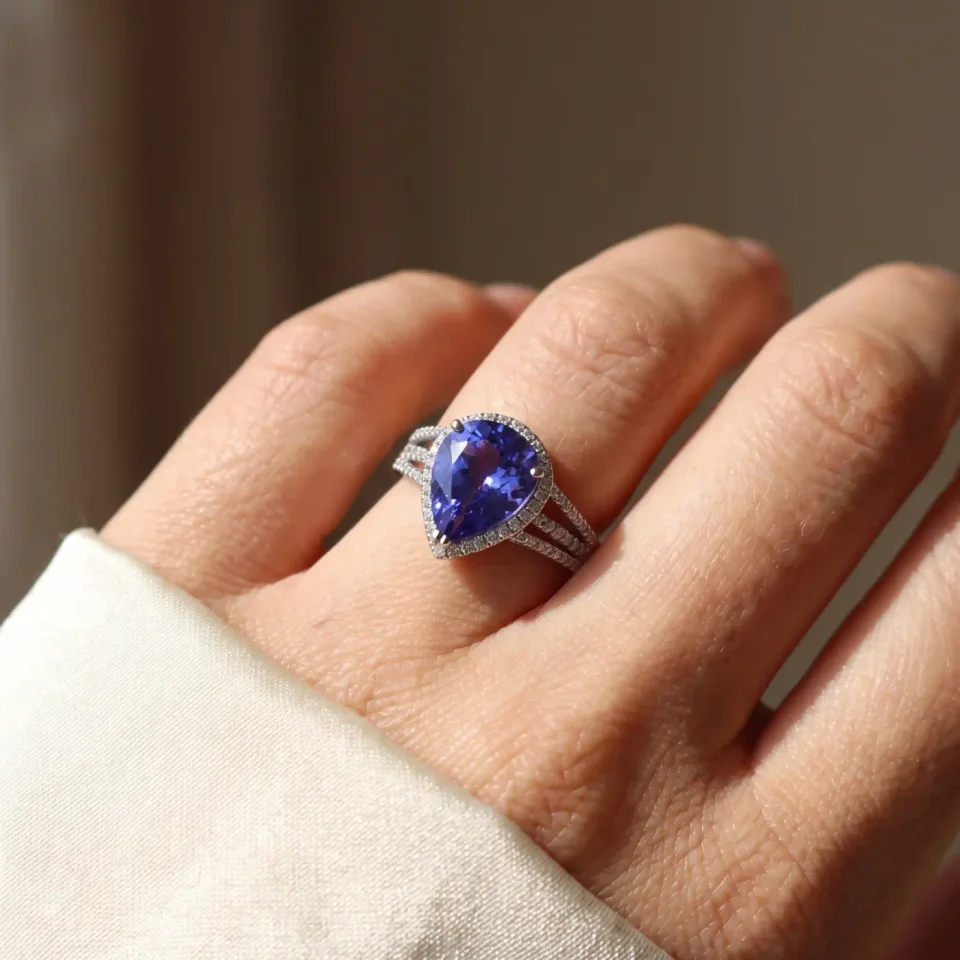
Every result below was generated from the plain photo at the start of the row with one of Fulfily's presets, with no retouching.
What makes jewelry hard to photograph, and how Fulfily handles it
Keeping pieces at their real size
AI image tools often make jewelry too big. Fulfily estimates the real size of each piece. It keeps chains thin and rings slim, and every stone stays clearly visible.
Stones, engravings and small parts
The details come from your own product photos. Fulfily is told not to add engravings, logos or stones that your piece doesn't have. Very detailed pieces are the hardest, so check each image before you publish it.
Worn the way people really wear it
Earrings sit on the ear and pendants rest on the chest, just below the neck. Hooks and chains are hidden where the body would hide them. This makes on-model images look like real wear.
Presets made for jewelry
Start from a ready-made preset, or choose a photo model, background and pose yourself and describe the scene in your own words. The images below are the app's own preview images for each preset.

Necklace Closeup
A necklace or pendant on a model, close to the neck, on a light studio background.
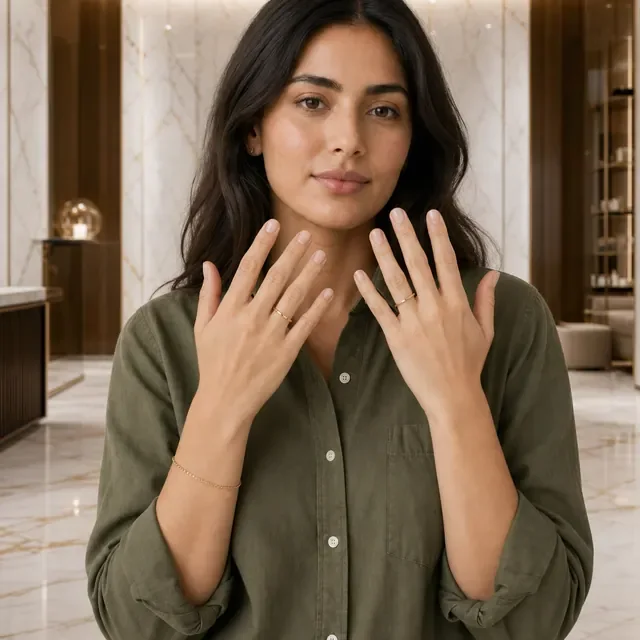
Ring & Bracelet Hands
A model showing rings and a bracelet on both hands, in a bright room with marble.
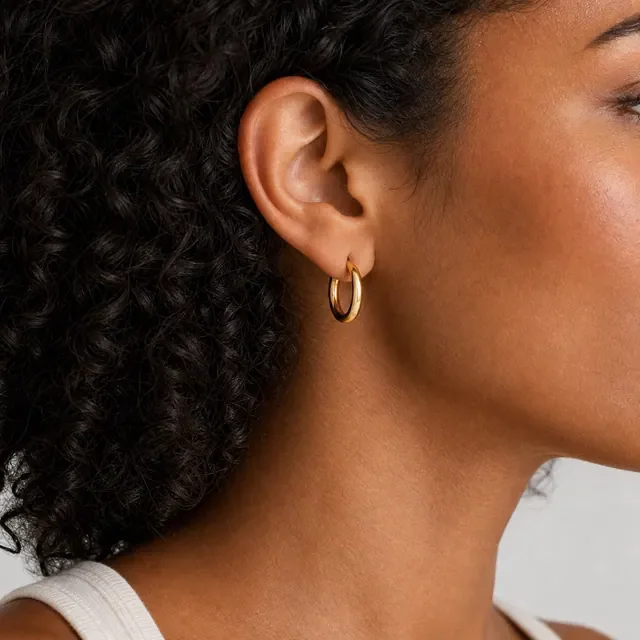
Earring Closeup
A close view of the ear, so the shape and size of the earring are easy to see.
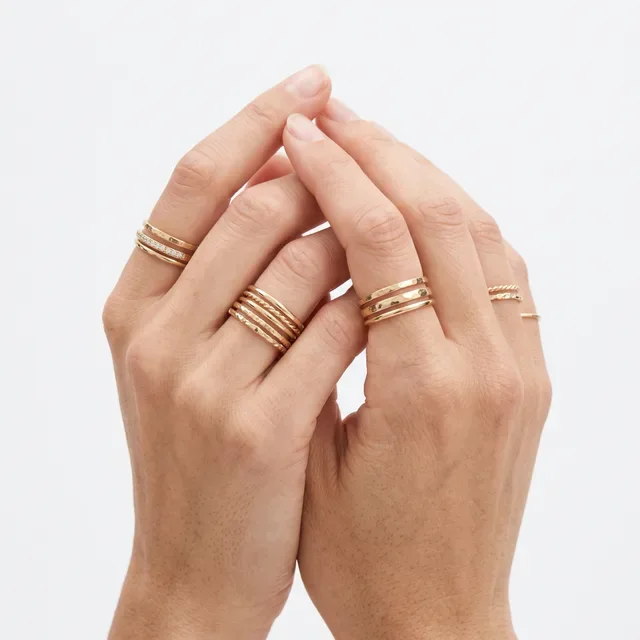
Stacked Rings
Several rings worn together on the hands, for ring sets and everyday rings.
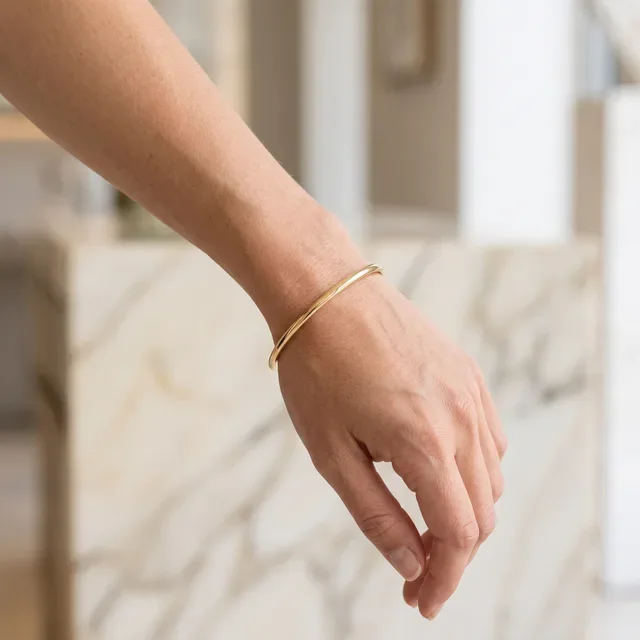
Bangle Bracelets
A bracelet on the wrist, in a bright room with marble.
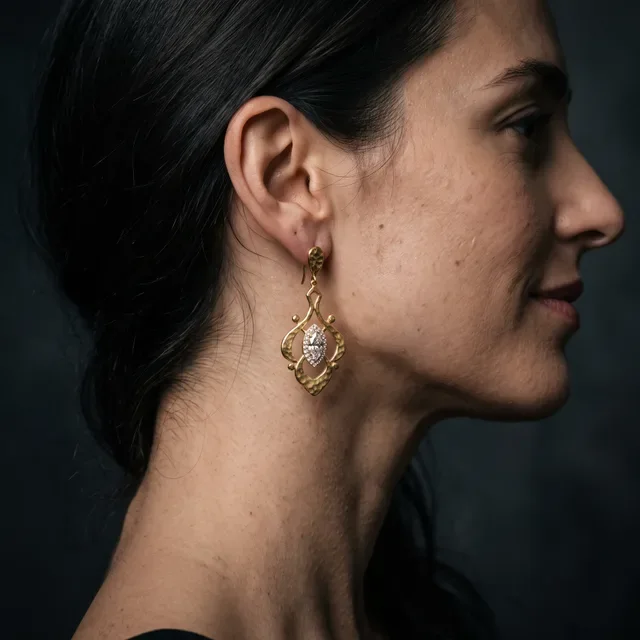
Statement Earrings
A dark studio portrait with the hair pulled back, for large earrings.
Tips for your product photo
Sharp, bright photo
Use a sharp, well-lit product photo. The stones, engravings and metal color should be easy to see.
One piece per photo
Photograph each piece on its own. A photo with many pieces makes it harder to keep one piece accurate.
Add the size
Write the real size in the product description, for example the chain length or stone size. Fulfily uses it to size the piece.
Show the details
Add a close-up photo of small details, like the closure or the stone setting, as a second product photo.
Jewelry images made with Fulfily
Jewelry photos: frequently asked questions
Can Fulfily put my jewelry on a model?
Yes. On-model presets such as Necklace Closeup, Earring Closeup and Stacked Rings show the piece worn by a photo model. You can use the same model for a whole collection.
Will the stones and metal color stay the same?
Yes. Fulfily works from your own product photos and is told not to change or add details. Very detailed pieces are the hardest to copy exactly, so check every image and regenerate any that aren't right before you publish.
How does Fulfily know how big my piece is?
It reads the size from your product title and product description. If there is no size, it estimates it from the product type. Jewelry is treated as very small, so it isn't made too big in model photos.
Can I get plain white images as well as lifestyle shots?
Yes. Use the Clean White Catalog preset for plain white images and a lifestyle or on-model preset for the rest, all from the same product photo.
Other product types
Try Fulfily on your own products
Start on the free plan. Pick products from your Shopify catalog and get new images in minutes.