AI product photos for bags and accessories
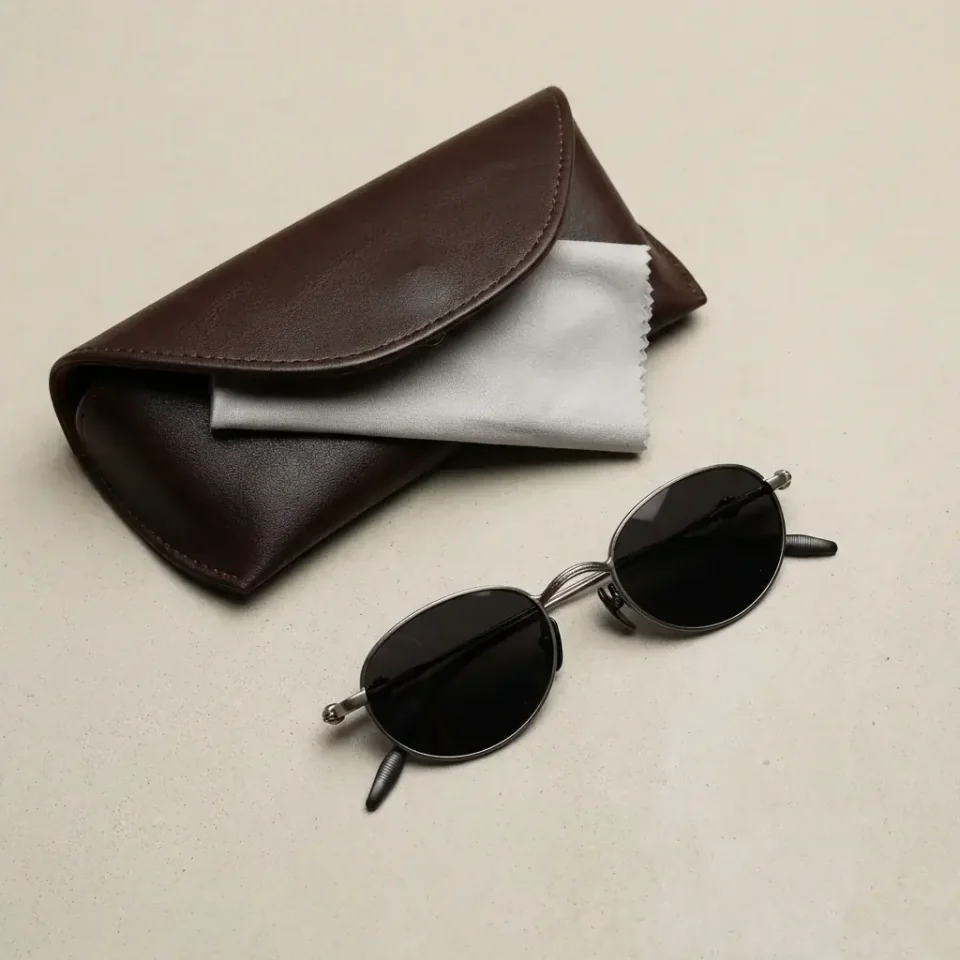
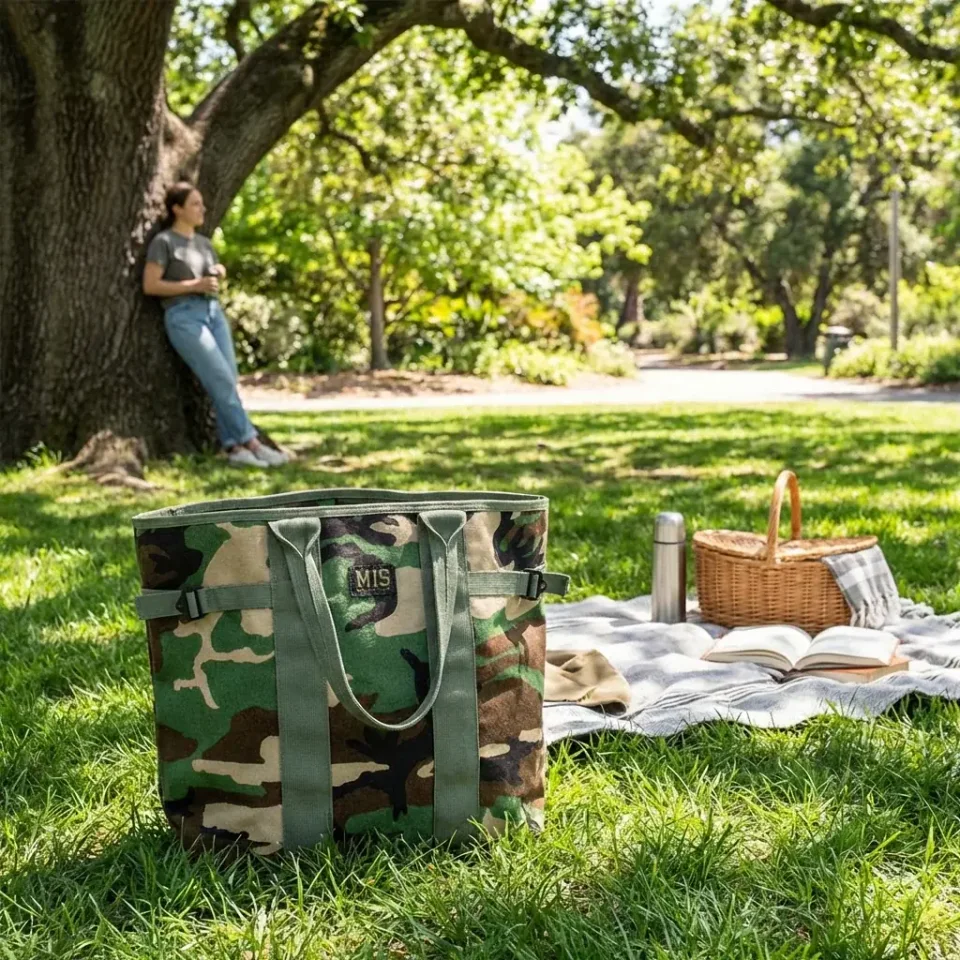
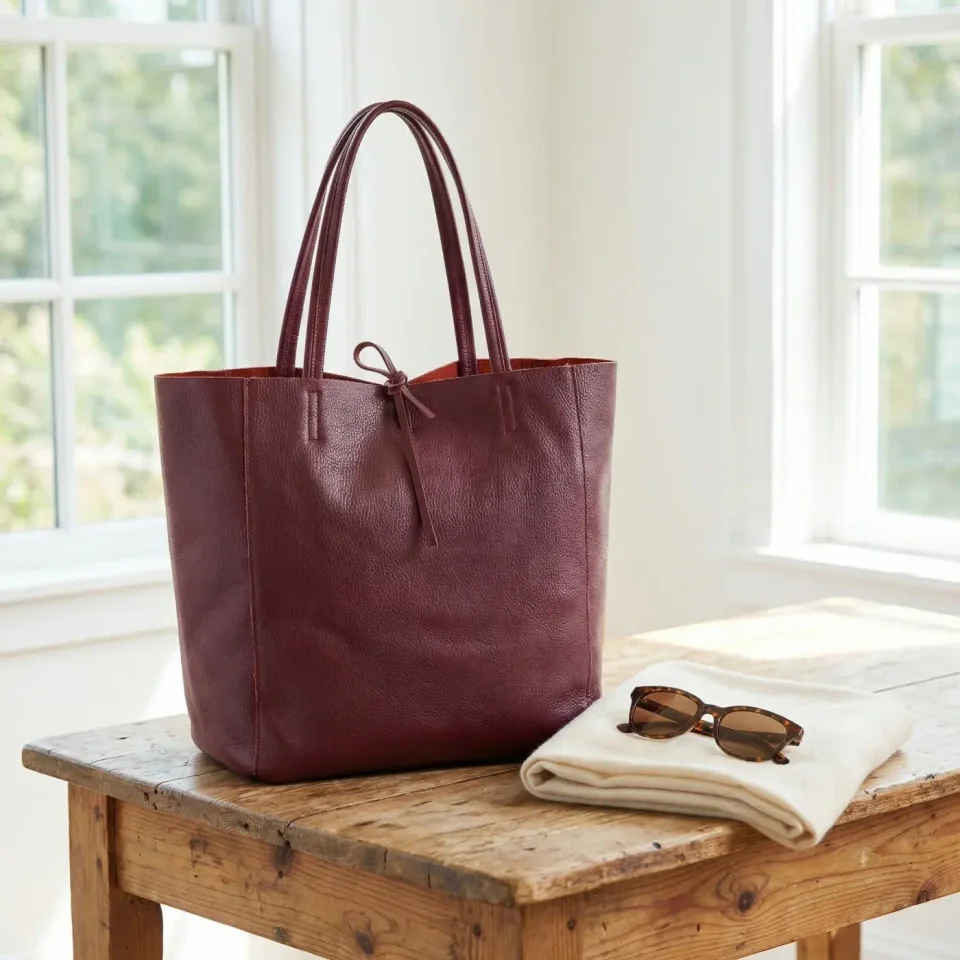
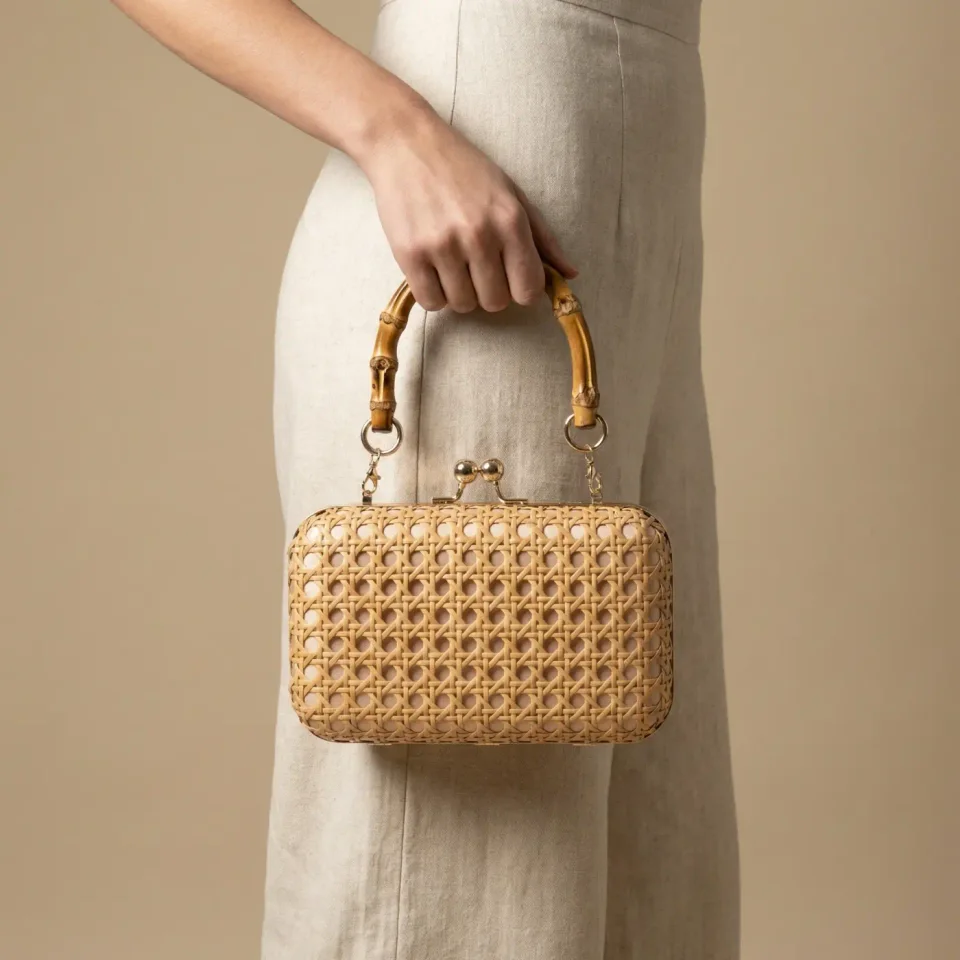
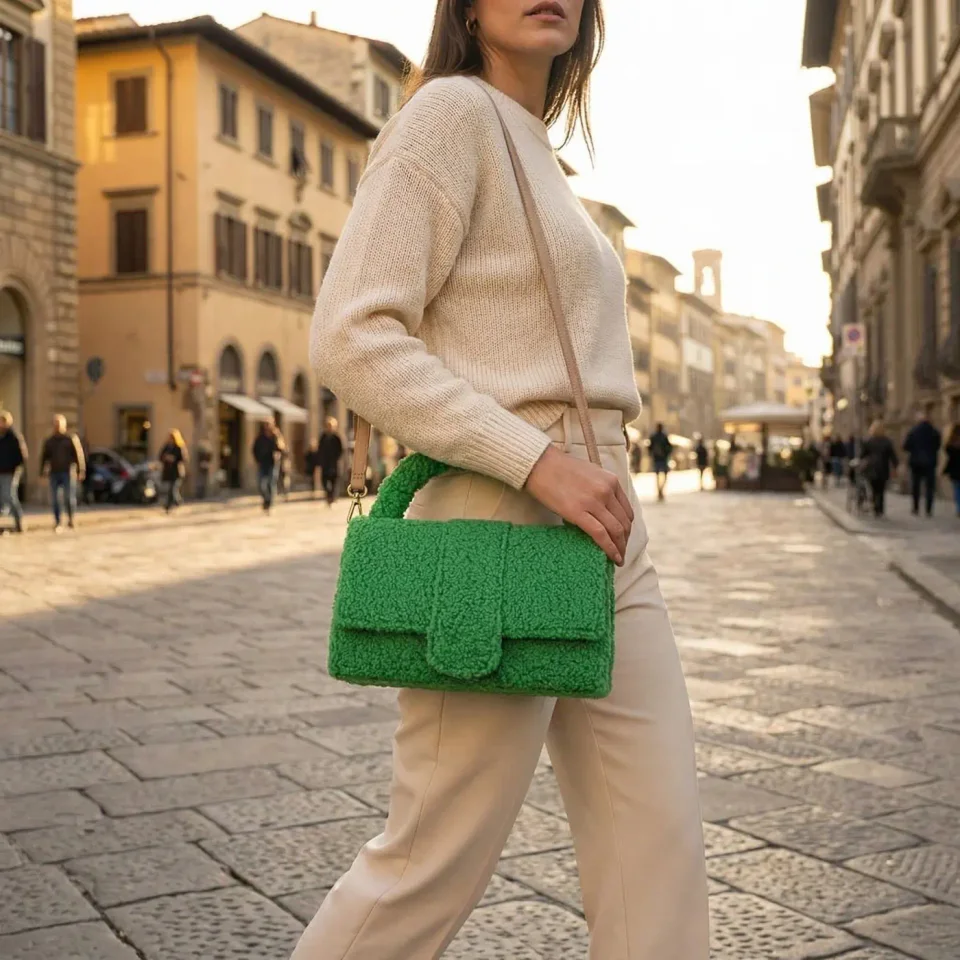
Show handbags, totes, clutches, sunglasses, caps and belts carried and worn, not only on a white background. Fulfily keeps the metal parts, stitching and color from your own product photos. Each item is shown on the body at a realistic size.
Install on Shopify
Free plan · 7-day free trial on Starter
From a plain product photo to finished images
Every result below was generated from the plain photo at the start of the row with one of Fulfily's presets, with no retouching.
What makes accessories hard to photograph, and how Fulfily handles it
Carried at a realistic size
A clutch, a tote and a crossbody bag are carried in different ways. There are on-model presets for each way. Fulfily also estimates the product size, so bags are not too big.
Metal parts and stitching
Buckles, zippers, closures and stitching come from your own product photos. Fulfily is told not to add logos or details that your product doesn't have.
Straps that look natural
Straps and chains are hard for any AI image tool. If a strap looks wrong, add a sentence to the style guide, for example "the strap hangs down naturally", or create the image again.
Presets made for bags and accessories
Start from a ready-made preset, or choose a photo model, background and pose yourself and describe the scene in your own words. The images below are the app's own preview images for each preset.
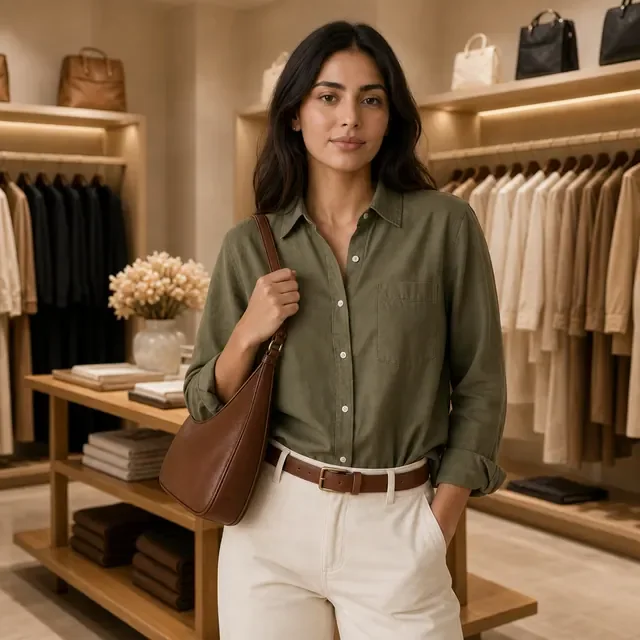
Boutique Shoulder Bag
A model with the bag on her shoulder, in a clothing store.
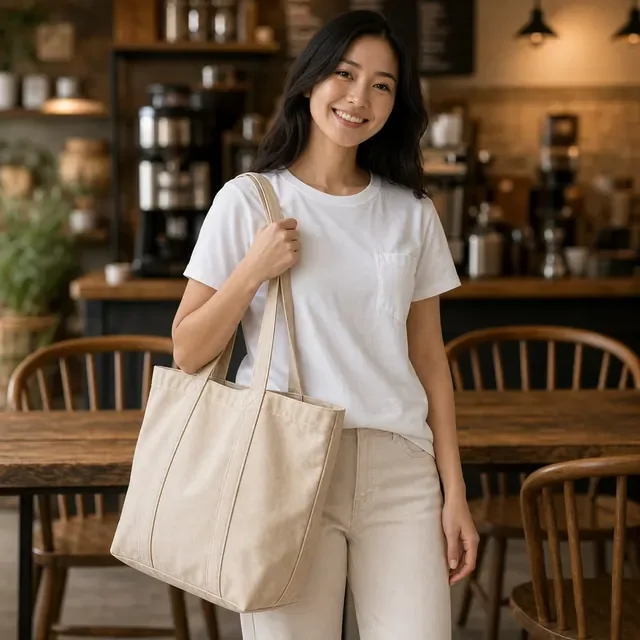
Café Tote Carry
A relaxed café scene with a tote bag on the shoulder.
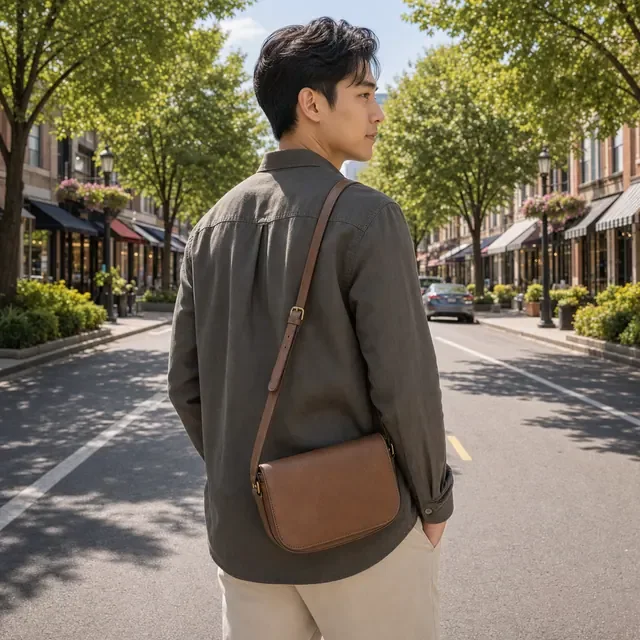
City Crossbody
A crossbody bag on a model walking down a city street.
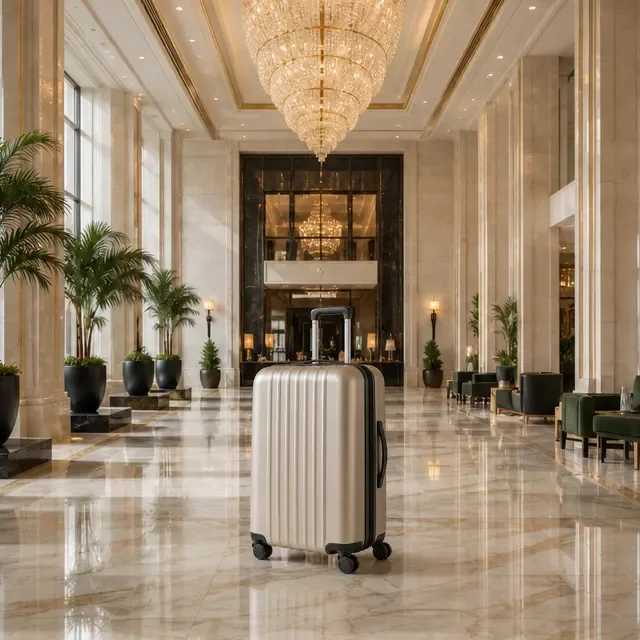
Grand Hotel Moment
A suitcase in a bright hotel lobby, for luggage and travel bags.
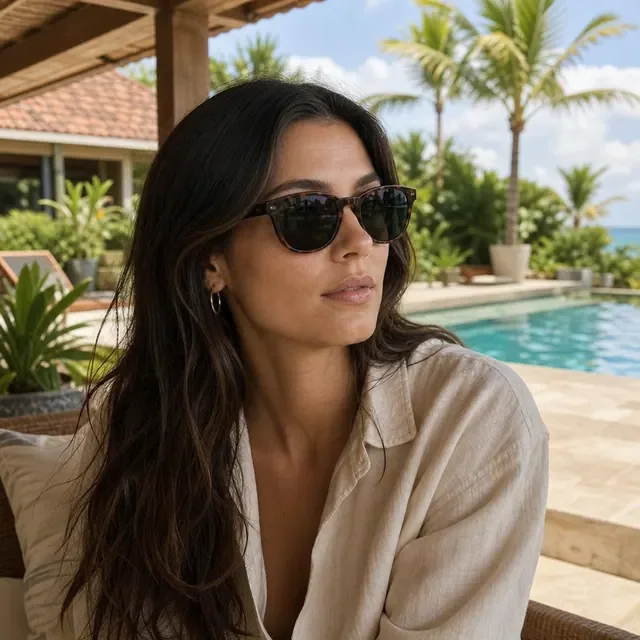
Resort Sunglasses
Sunglasses worn next to a pool on a sunny day.

Rooftop Cap
A cap worn on a city rooftop in the evening.
Tips for your product photo
Show the whole item
Use a product photo from the front that shows the whole item, including the straps or handles.
Sharp metal parts
Make sure small metal parts, like buckles and closures, are sharp. Shoppers zoom in on them.
Add the size
Write the size in the product description, for example "30 x 20 x 10 cm". Then the item gets the right size on the model.
Inside and back
If the inside or the back of the item is important, add product photos of them too.
Bags & accessories images made with Fulfily
Bags & accessories photos: frequently asked questions
Can Fulfily show my bag being carried?
Yes. Presets such as Boutique Shoulder Bag, Café Tote Carry and City Crossbody show the bag carried by a photo model. Boutique Clutch shows it held in the hand.
Will the metal parts look like mine?
Yes. Buckles, closures and other metal parts come from your own product photos, and Fulfily is told not to add logos or details. Check small metal parts in each image before you publish, and create again any image that isn't right.
Does it work for sunglasses, hats and belts?
Yes. Resort Sunglasses, Rooftop Cap and Studio Belt Detail are made for accessories that people wear. Any product can also go into a studio or lifestyle scene.
Can I get images without a model?
Yes. Studio and lifestyle presets such as Clean White Catalog and Soft Bedroom Morning show the product on its own. You can mix them with on-model images.
Other product types
Try Fulfily on your own products
Start on the free plan. Pick products from your Shopify catalog and get new images in minutes.