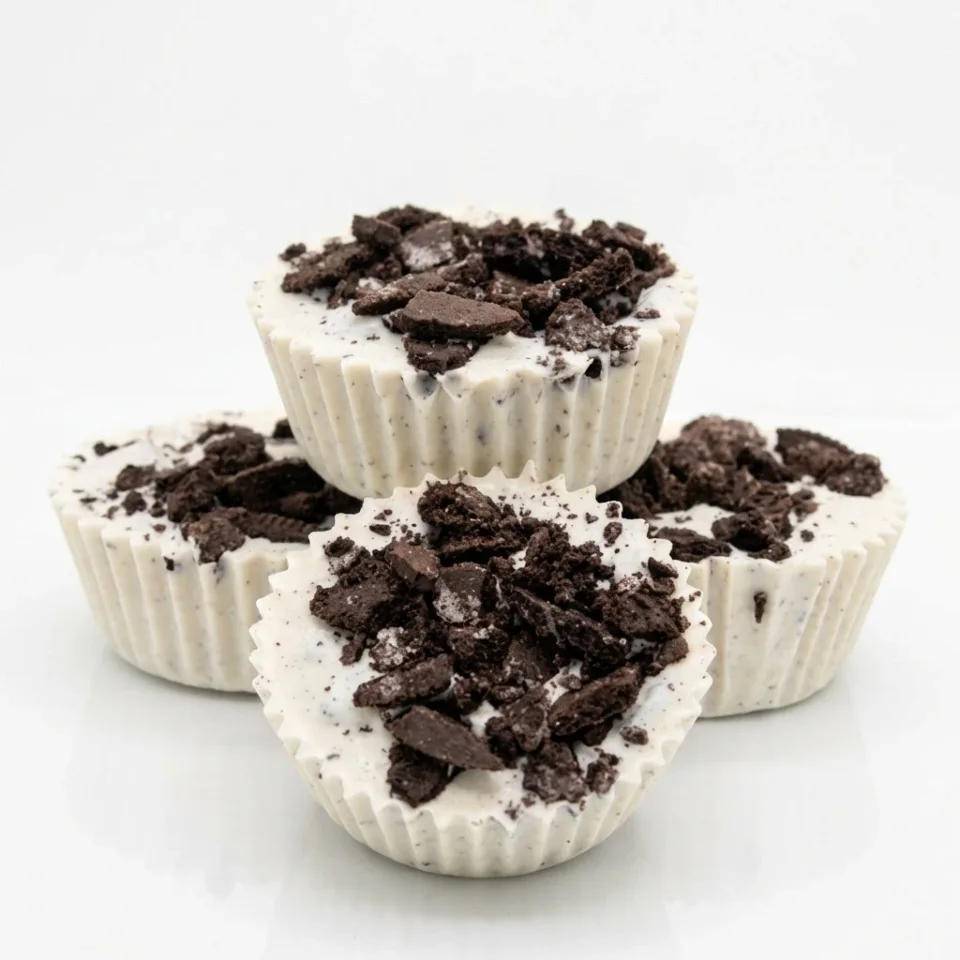
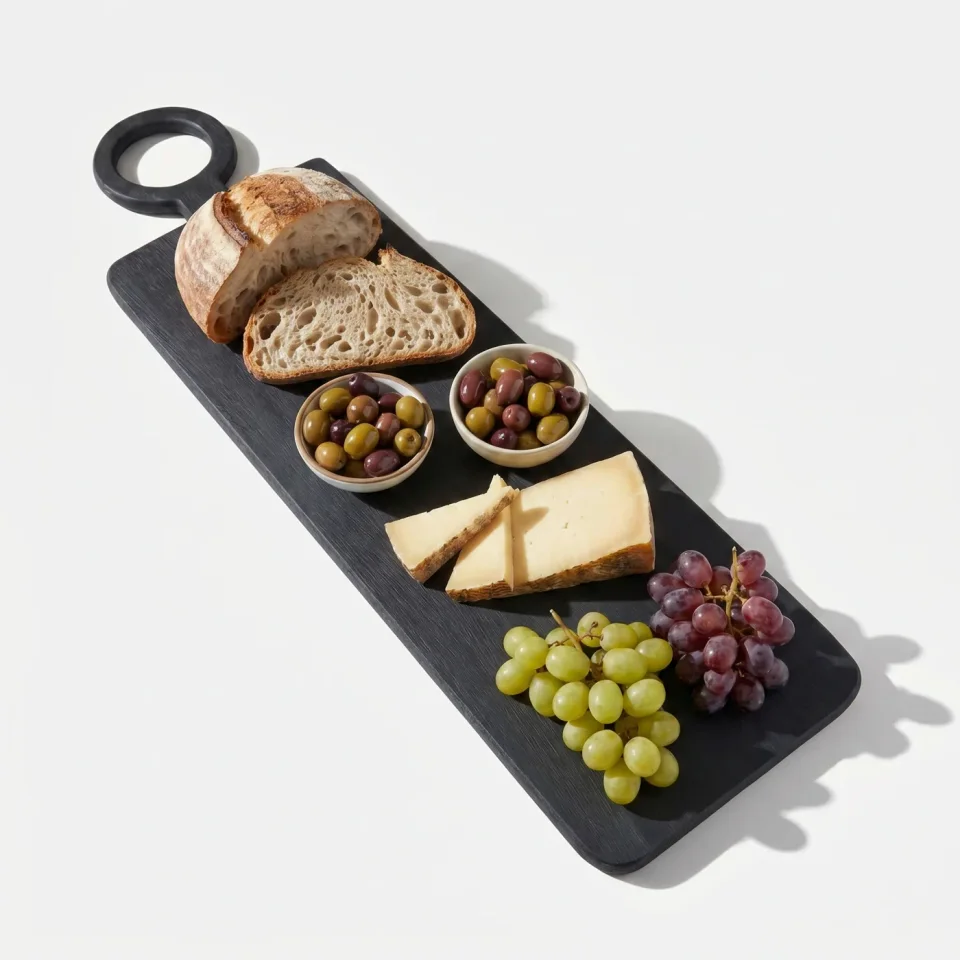
AI product photos for toys, gadgets, food and more
Fulfily is not only for jewelry and fashion. It works for almost any physical product that has a clear product photo: toys, gadgets, kitchen tools, food, furniture, plants and gifts. Place the product in a studio, a kitchen, an office or a cozy room.
Install on Shopify
Free plan · 7-day free trial on Starter
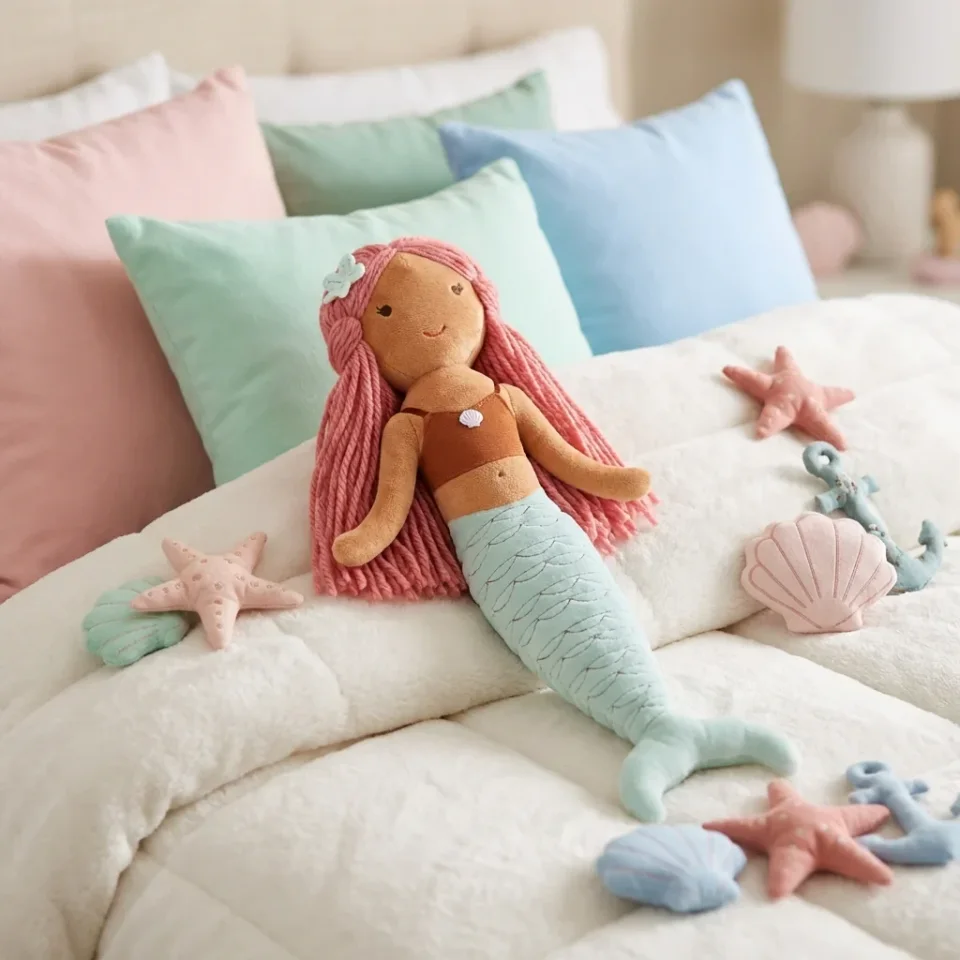
What makes some products hard to photograph, and how Fulfily handles it
Glass and shiny surfaces
Glasses, metal and glossy plastic reflect the room around them. The new scene is built around your product, so light and reflections fit the setting.
Very small or very large products
Fulfily estimates the size of each product from its title and product description. A small cookie cutter and a bedside table each look the right size in their scene.
Text and unusual shapes
Text on packaging and unusual shapes come from your own product photos. Fulfily is told not to add text or logos, but check small text and odd shapes before you publish.
Presets that work for almost any product
Start from a ready-made preset, or choose a photo model, background and pose yourself and describe the scene in your own words. The images below are the app's own preview images for each preset.
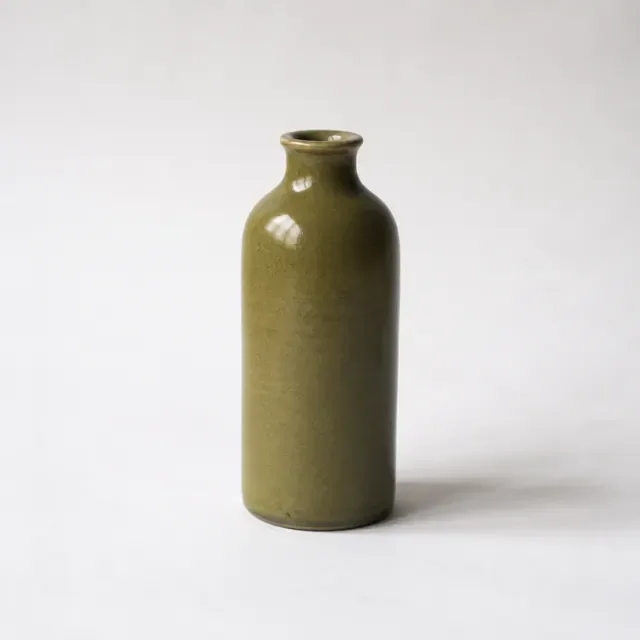
Clean White Catalog
The product on a plain white background, for collection pages and marketplaces.

Rustic Artisan Table
A warm wooden table with shelves behind it, for handmade and kitchen products.

Modern Office Desk
A desk with a city view, for gadgets, stationery and work accessories.
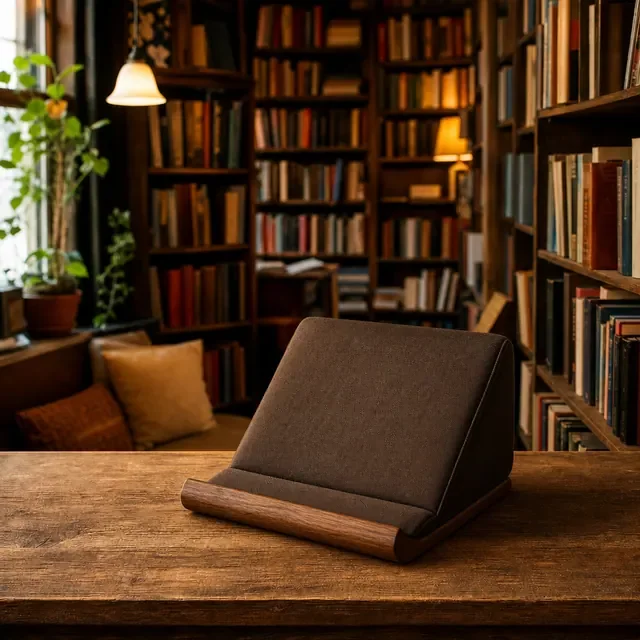
Bookstore Display
A cozy shelf full of books, for books, notebooks and gifts.
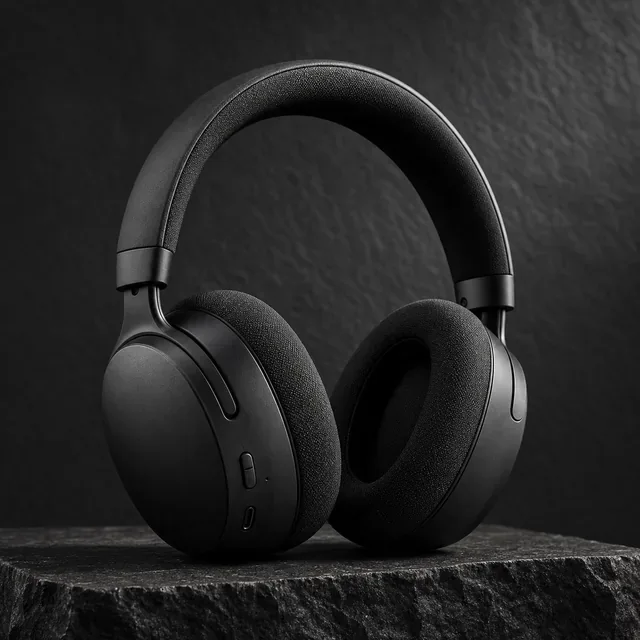
Cinematic Black
The product on dark stone with dramatic light, for electronics and bold products.

Café Table
The product on a wooden café table, for cups, drinks and small gifts.
Tips for your product photo
Clear product photo
Use a sharp, well-lit product photo where the whole product is visible.
Only the product
Photograph the product on its own, without other items. Fulfily creates the scene around it.
Add the size
Write the size in the product title or product description. Fulfily uses it to show the product at a realistic size.
Describe the product
Write what the product is and what it is made of in the product description. Fulfily uses this to choose a fitting scene.
Any other product images made with Fulfily
Any other product photos: frequently asked questions
Does Fulfily work for my product?
Most likely, yes. If you have a clear product photo, Fulfily can create studio and lifestyle images for it. Small text on packaging is the hardest part, so check each image before you publish.
Can I try it before I pay?
Yes. The free plan lets you try Fulfily on your own products, and Starter has a 7-day free trial.
What if the scene doesn't fit my product?
Choose another preset, or describe the scene you want in your own words. You can create new images until you are happy, and you review everything before you publish.
Can Fulfily add text or feature labels?
Yes. Graphic presets such as Feature Callout Graphic add a few short labels, taken only from your product title and product description. Fulfily does not invent claims, prices or ratings.
Other product types
Try Fulfily on your own products
Start on the free plan. Pick products from your Shopify catalog and get new images in minutes.