In short
Shopify product images should be 2048 × 2048 px for square images. That is the size Shopify itself says usually displays best. What matters even more is that every product photo in your store has the same aspect ratio, so your collection pages line up.
- Square (1:1) at 2048 × 2048 px is the safe choice for most stores.
- Shopify accepts images up to 5000 × 5000 px (25 megapixels) and under 20 MB per file.
- You don’t need to compress images before you upload them. Shopify makes the smaller sizes and modern formats for you.
- Fix a mixed catalog by choosing one ratio, cropping what you can and replacing what you can’t.
What size does Shopify recommend for product images?
For square product images, Shopify says 2048 × 2048 px usually displays best (opens in new tab). This size is sharp on large and high-resolution screens, and it gives the zoom on your product page enough detail.
The limits on the same Shopify Help Center page:
- Largest size: 5000 × 5000 px, or 25 megapixels.
- File size: smaller than 20 MB.
- File types: JPEG and PNG are the most common. Shopify also accepts WebP, HEIC, GIF and a few others.
You only upload one file per image. When you add an image, Shopify automatically creates smaller versions of it for the different places in your theme, such as collection grids, product pages and phone screens.
Is a bigger product image always better?
No. 2048 × 2048 px is enough for almost every product. A larger file only helps when shoppers need to zoom into very small details.
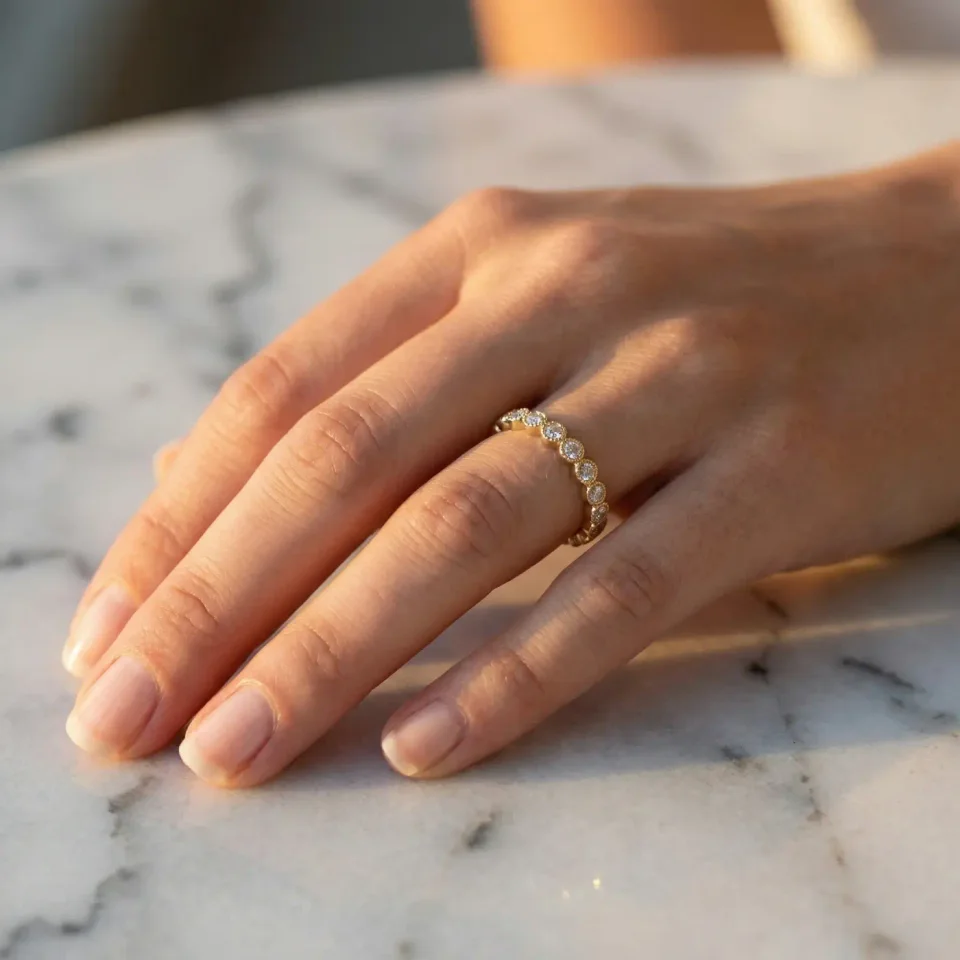
Shopify’s advice is to upload the best quality images you have (opens in new tab), up to 5000 × 5000 px. So if your photographer or supplier gives you a larger file, you can upload it as it is. Go larger on purpose for products where texture and small details decide the sale: jewelry, fabric, stitching, engraving.
The opposite is a real problem. Google’s image guidelines say not to use images that are too small or have a low resolution (opens in new tab). A small supplier photo that looks fine as a thumbnail can look soft or blurry when a shopper opens it on a laptop.
Which aspect ratio should Shopify product images have?
Use one aspect ratio for all your product images. For most stores that is square (1:1).
Shopify explains that images display better side by side when they share one aspect ratio (opens in new tab). If they don’t, your collection pages can look uneven: some product cards are tall, some are short, and the products in one row don’t line up. Depending on your theme, it may also crop some images and show white space around others.
Which ratio to choose:
- Square (1:1) works for most products and most Shopify themes. Choose this if you are not sure.
- Portrait (for example 2:3) can suit clothing on a model, because a person is taller than wide. Only choose it if your whole catalog, or at least each whole collection, can use it.
Your theme may also have a setting for this. In Shopify’s free Dawn theme, for example, the product grid on collection pages has an Image ratio setting: Adapt to image, Portrait or Square. Choose the same ratio there as for your product photos.
Which file format and file size should you use?
Use JPEG for product photos and PNG for graphics with text or a transparent background. This is also Shopify’s own recommendation for theme images (opens in new tab).
You don’t need to compress your product photos before you upload them. Shopify keeps the original file and, when a shopper visits your store, it delivers the image in a smaller, modern format such as WebP or AVIF if their browser supports it. So your job is to upload a good, sharp original that is under 20 MB.
Two small things help search engines understand your images, according to Google’s image SEO guidelines (opens in new tab):
- A descriptive file name, such as
speckled-stoneware-mug.jpginstead ofIMG_4032.jpg. - Alt text that describes the product photo in one short sentence.
How do you fix a catalog with mixed image sizes?
Choose one aspect ratio, crop the product photos that allow it, and replace the ones that don’t. Start with each product’s main image, because that is the one shown in collection grids and search results.
- Choose your ratio. Square is the easiest. Write it down, so everyone who adds products uses the same one.
- Crop what you can in Shopify. Open the product image in Shopify’s media editor (opens in new tab) and crop it to Square. This works when there is enough space around the product.
- Replace what you can’t crop. Cropping doesn’t always work: it can cut off part of the product, or leave the photo too small. Then you need a new photo. Shoot it again with the same setup, or use an AI tool like Fulfily to make a new photo in the size and shape you want.
Fulfily works inside your Shopify admin. Select your products and set the Ratio to 1:1. Fulfily then makes new product photos from the ones already in your store, all in the same shape. You can do this for many products at once.
Every image Fulfily publishes gets a readable file name and alt text based on the product, so the new photos also follow the advice from the section above. Always check the results before you publish: very small text, logos and detailed jewelry can need a second try. Our guide on how to generate AI product images for Shopify shows all the steps.
Checklist: Shopify product image size
- Square product images at 2048 × 2048 px (or larger for products with fine details).
- One aspect ratio for every product photo, at least within each collection.
- Files under 20 MB, JPEG for photos, PNG for graphics.
- No manual compression needed: upload the best original you have.
- A descriptive file name and alt text on every image.
- Your theme’s product card setting matches your chosen ratio.
Image size is one part of a good product page. To see which photos every product page should have, read how product photos affect your Shopify sales.